Validating Regular Expression
-
In the Expression field, enter your regular expression (regex) pattern.
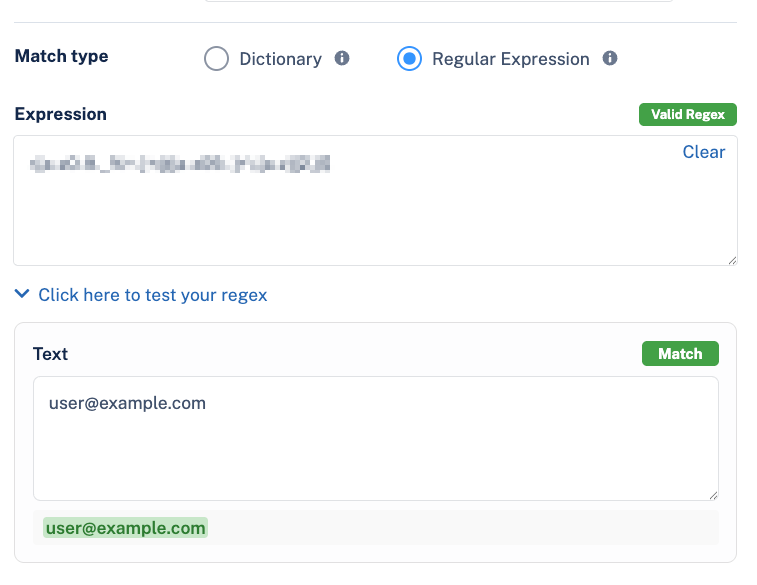
The system automatically validates the syntax of the regex. If the pattern is valid, you can test it against a sample string.

The system automatically validates the syntax of the regex. If the pattern is valid, you can test it against a sample string.