
Step 10 - Sending User Reported Phishing Emails to an Internal Mailbox
-
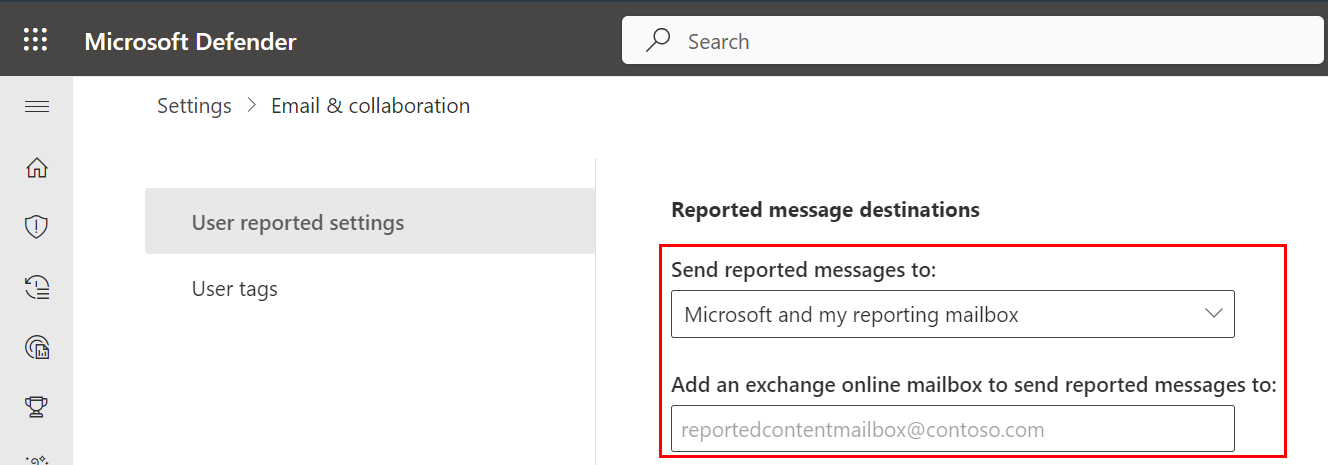
Scroll down to the Reported message destinations section and do these:
-
In the Send reported messages to: field, select Microsoft and my reporting mailbox.
-
In the Add an exchange online mailbox to send reported messages to: field, enter the dedicated mailbox email address.
-