Updating SmartConsole in GUI
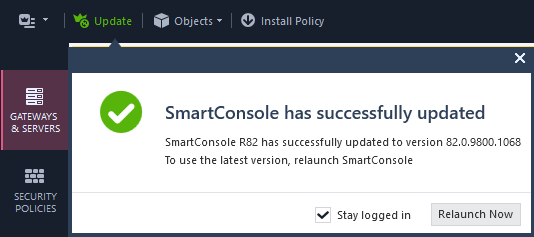
If the SmartConsole Client device is connected to the Internet, then SmartConsole updates itself automatically and asks you to restart it.
If you disabled automatic updates of SmartConsole (see sk171315), you can update SmartConsole manually.
-
If an update is available, click Install Now.

-
Click Relaunch Now.