URL exceptions allow administrators to whitelist specific domains or URLs that were previously identified as malicious or risky. URL exceptions support wildcard entries and apply to both HTTP and HTTPS traffic.
Access the SASEAdministrator Portal, click Threat Prevention, and then click the Exceptions tab.
Click Add Exception.
The Add Exception window appears.
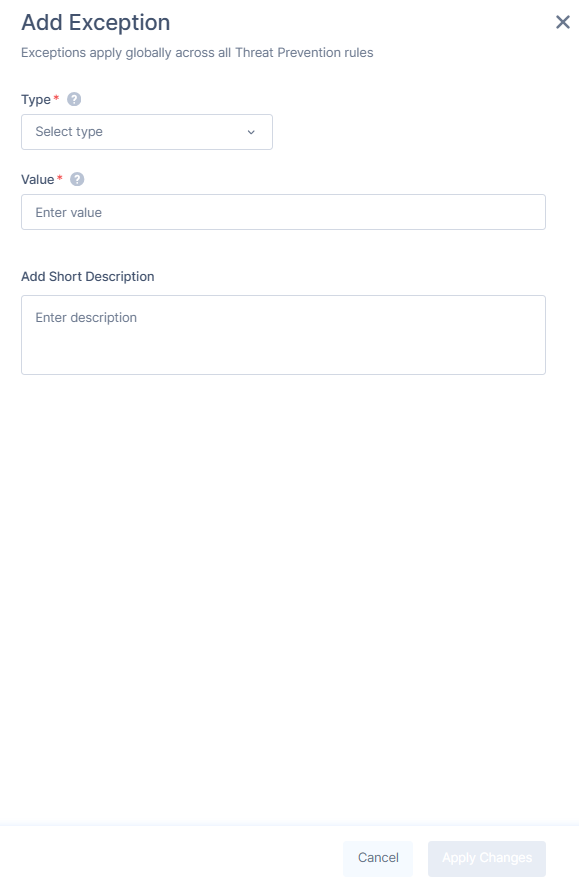
From the Type list, select URL.
In the Value field, enter the full domain or URL. To allow all subdomains, use a wildcard (example, *.microsoft.com).
Note:
Use a valid URL without http/https, ?, or #. Include www if part of the domain. Wildcards (*) are allowed only at the start of the domain (example, *.example.com).
(Optional) In the Add Short Description field, enter a description with expiration date.