File exceptions are used when legitimate files are flagged as malicious by Threat Prevention. The system supports the SHA256 hash identifier.
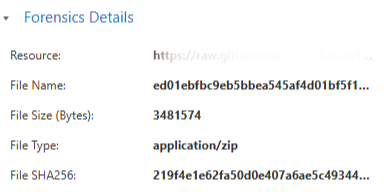
The hash identifier can be obtained from the security log which blocked the file.
-
Access the SASE
Administrator Portal, click Threat Prevention, and then click the Exceptions tab.
-
Click Add Exception.
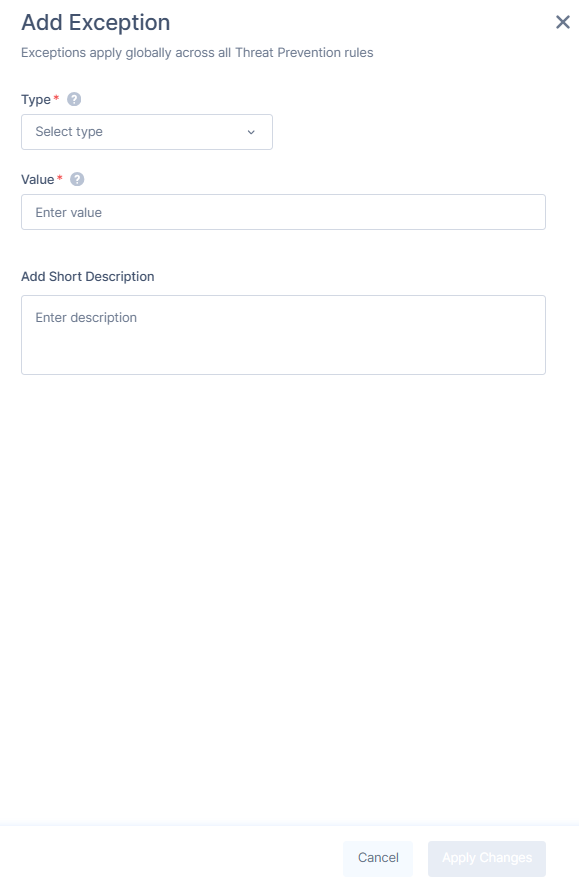
The Add Exception window appears.
-
From the Type list, select File Hash.
-
In the Value field, enter the file's SHA256 hash exactly as it appears (64 characters, in hexadecimal format).
-
(Optional) In the Add Short Description field, enter a description.
-
Click Apply Changes.