Internet Access
The Internet Access Dashboard shows information related to secure Internet access.
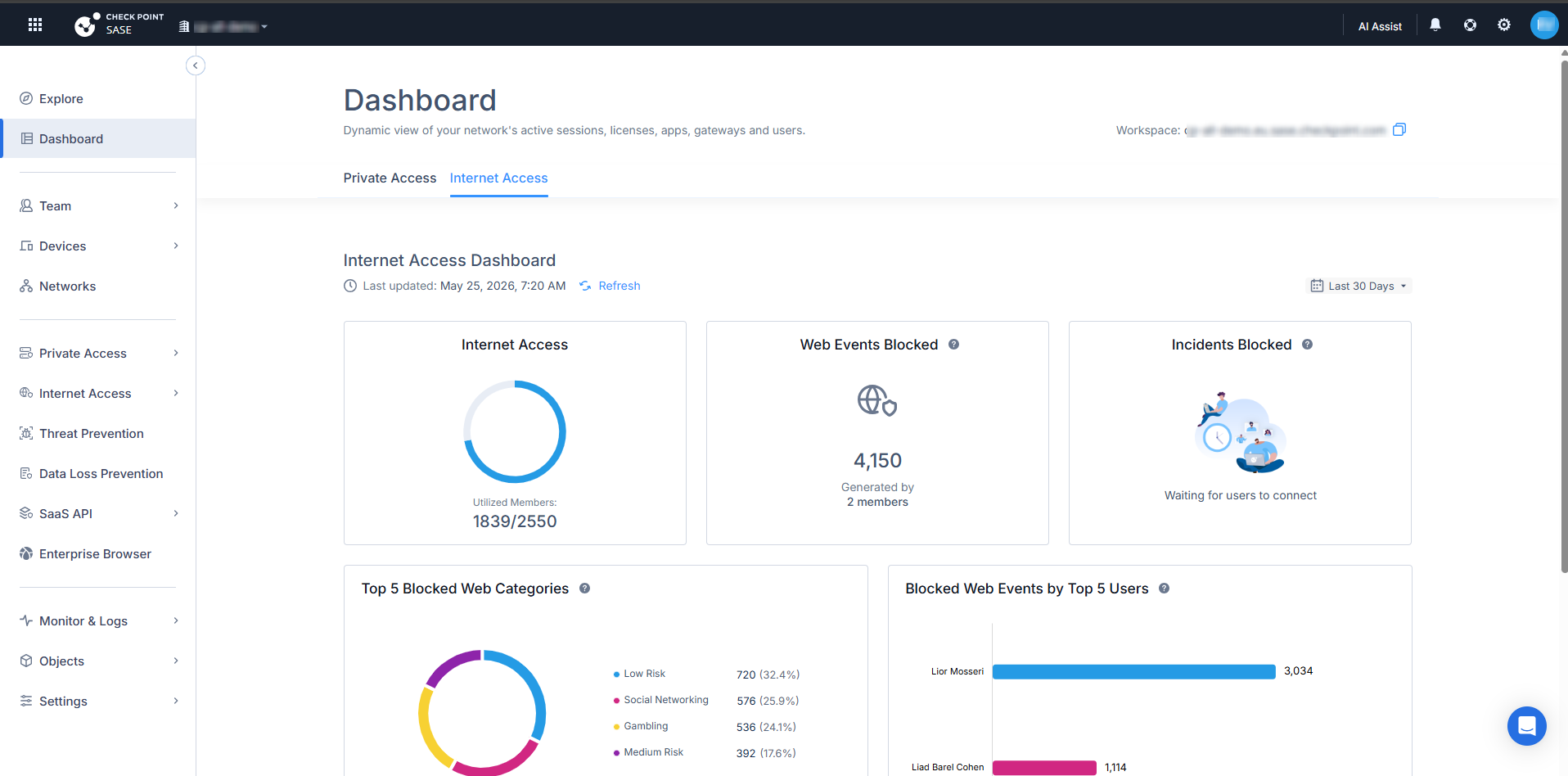
At the top right of the Internet Access Dashboard, you can select a time range filter.
Select one of these:
- Last 24 Hours
- Last 7 Days
- Last 30 Days
The Dashboard updates the displayed data based on the selected time range.
Internet Access
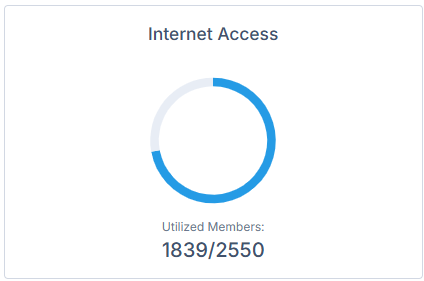
The Internet Access widget shows Internet Access license usage.
It displays the number of utilized members compared to the total number of licensed members.
Web Events Blocked
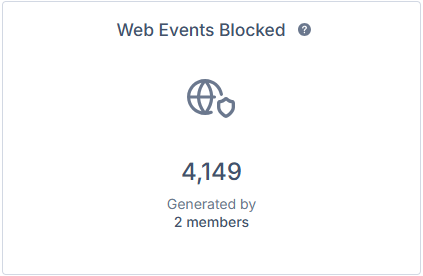
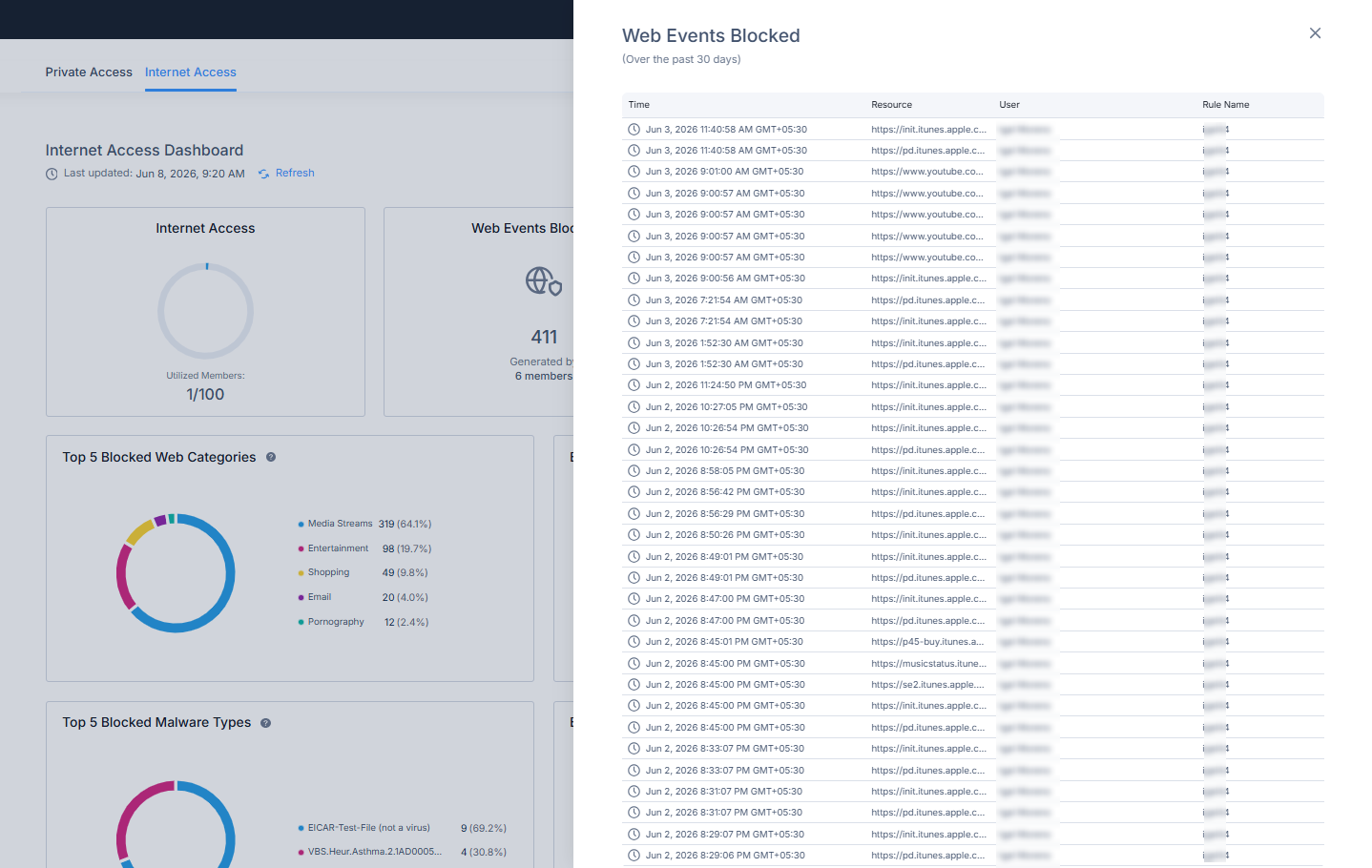
The Web Events Blocked widget shows the number of web events blocked.
It also shows the number of members that generated the blocked events.
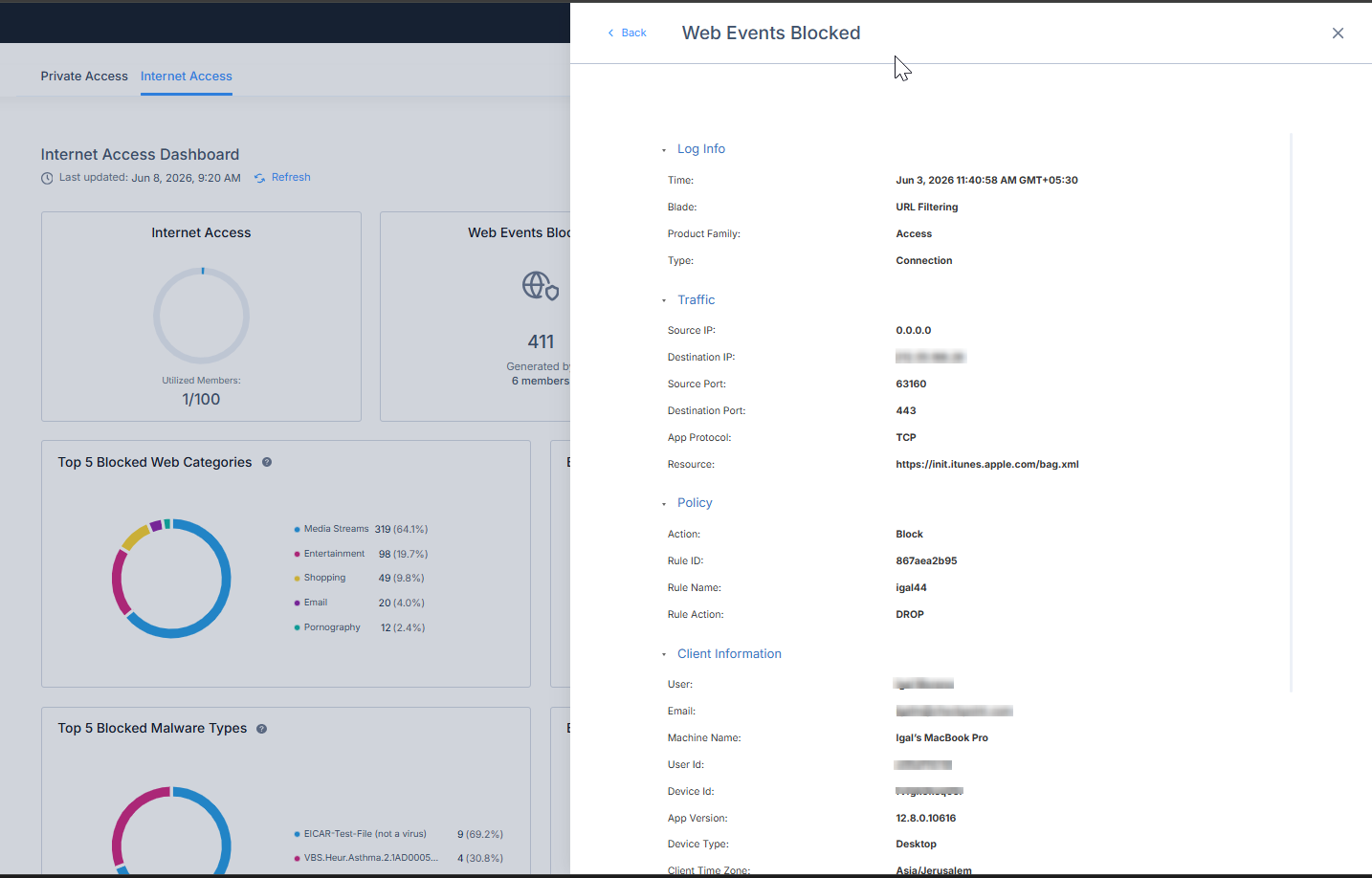
Click the widget to view a detailed table of the blocked web events.
Selecting an event opens additional details.
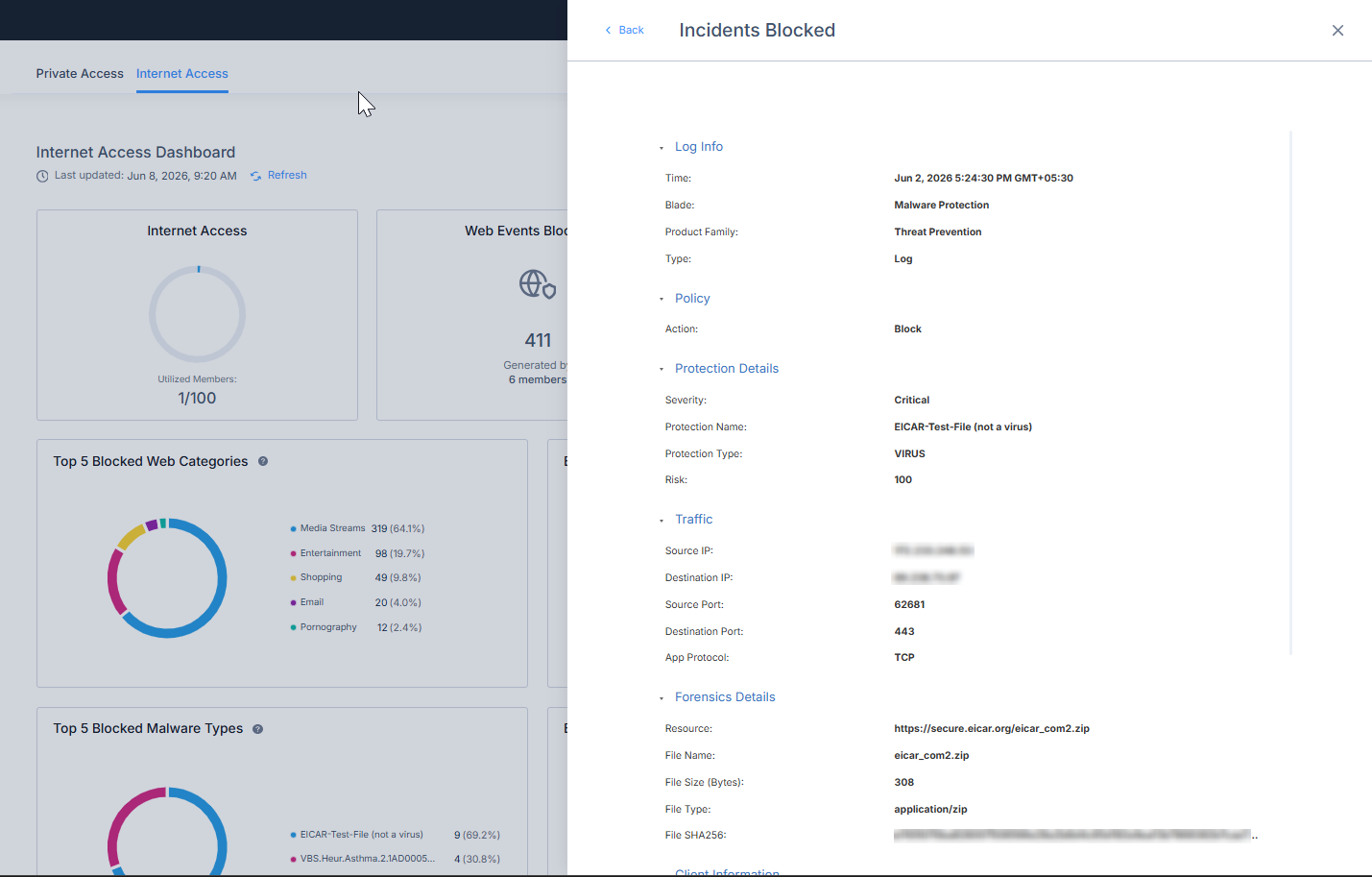
Incidents Blocked
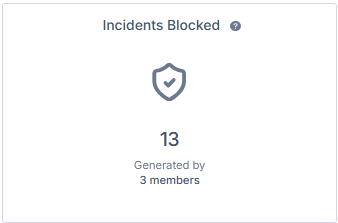
The Incidents Blocked widget shows the number of security incidents that were blocked during the selected time range.
It also shows the number of members associated with the blocked incidents.
Click the widget to view a detailed table of blocked incidents.
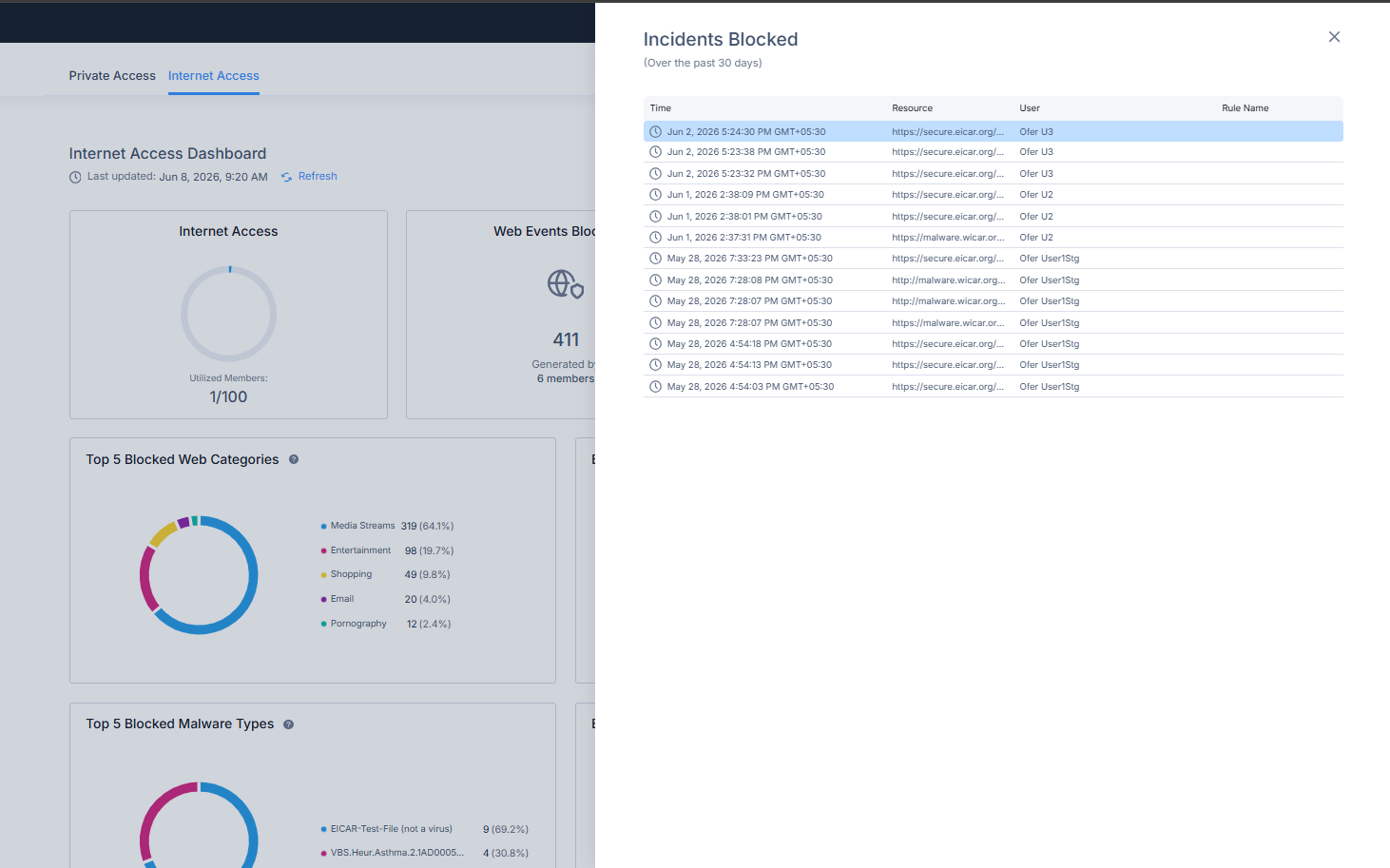
Selecting an incident opens additional details.
Top 5 Blocked Web Categories
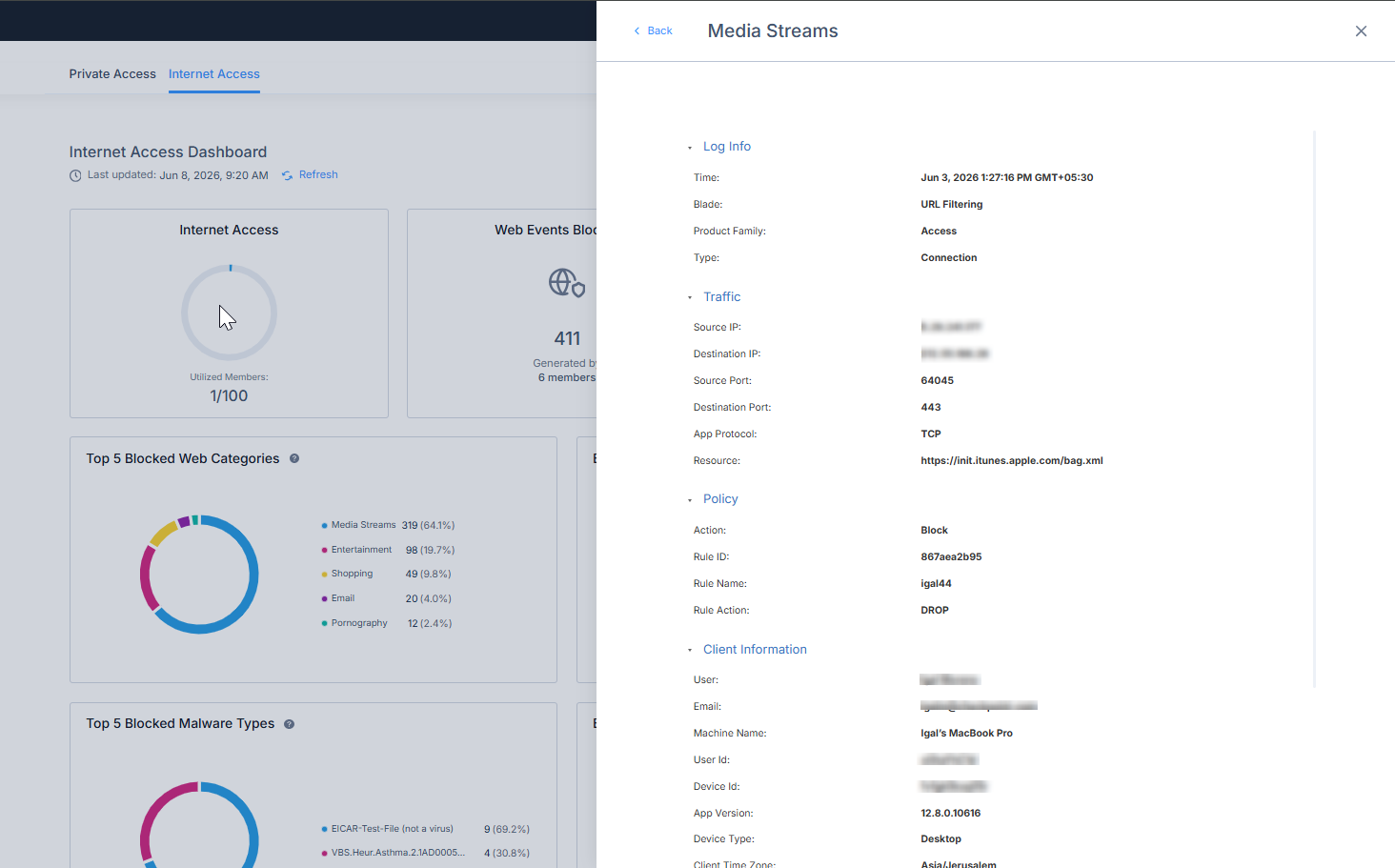
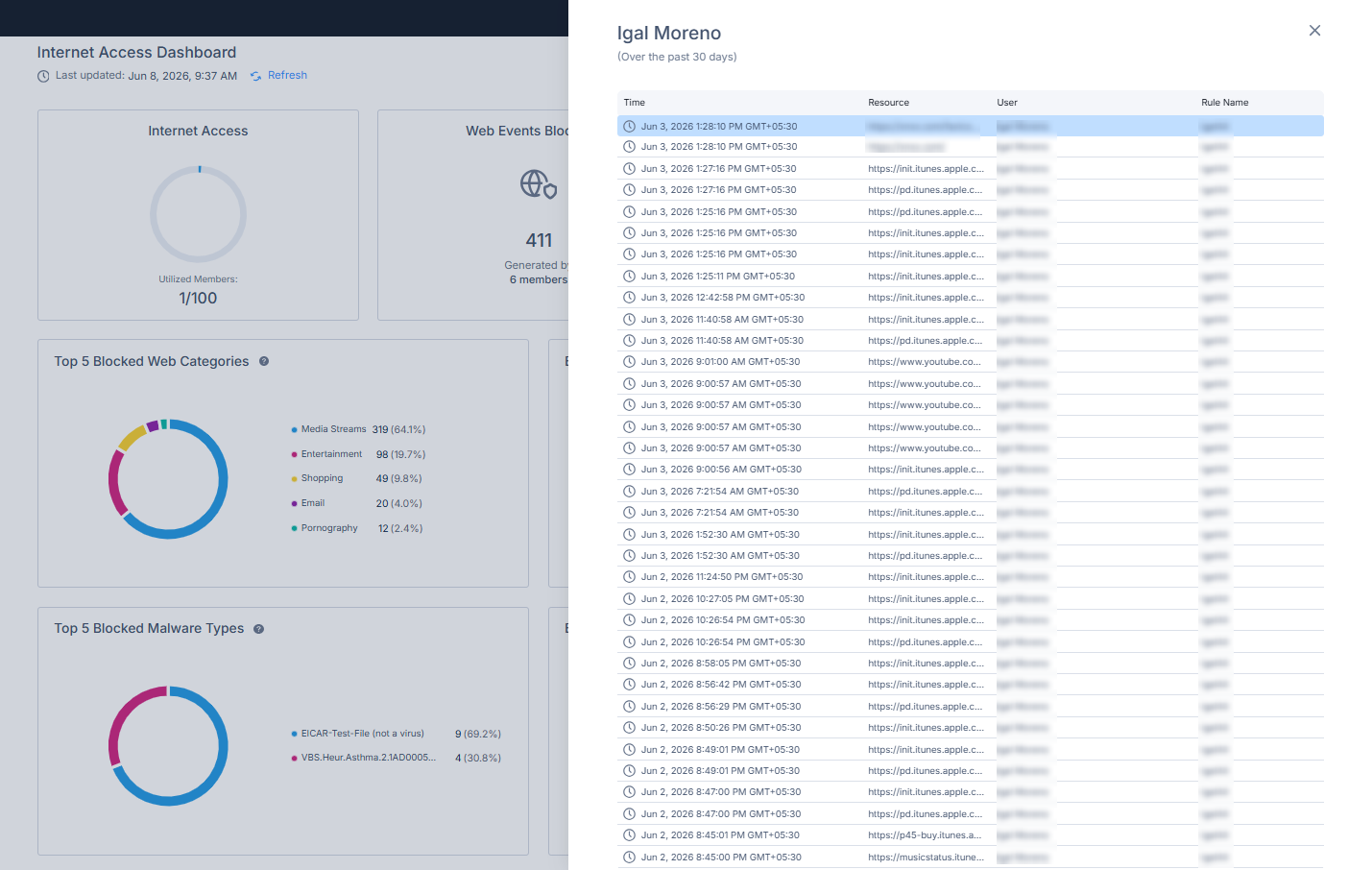
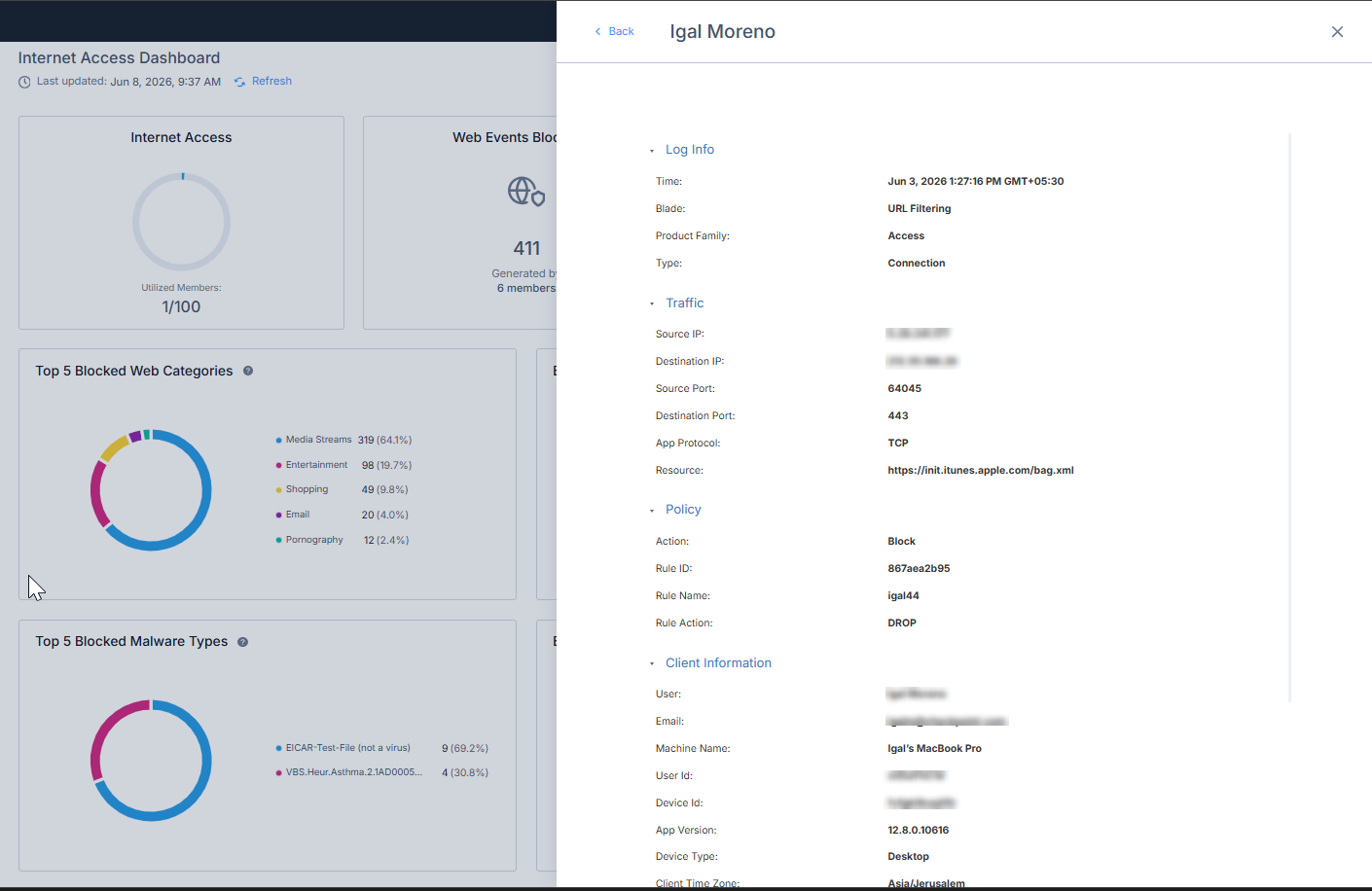
Blocked Web Events by Top 5 Users

The Blocked Web Events by Top 5 Users widget shows the users with the highest number of blocked web events during the selected time range.
Selecting a user shows the blocked web events associated with that user.
Selecting an event opens additional details.
Top 5 Blocked Malware Types
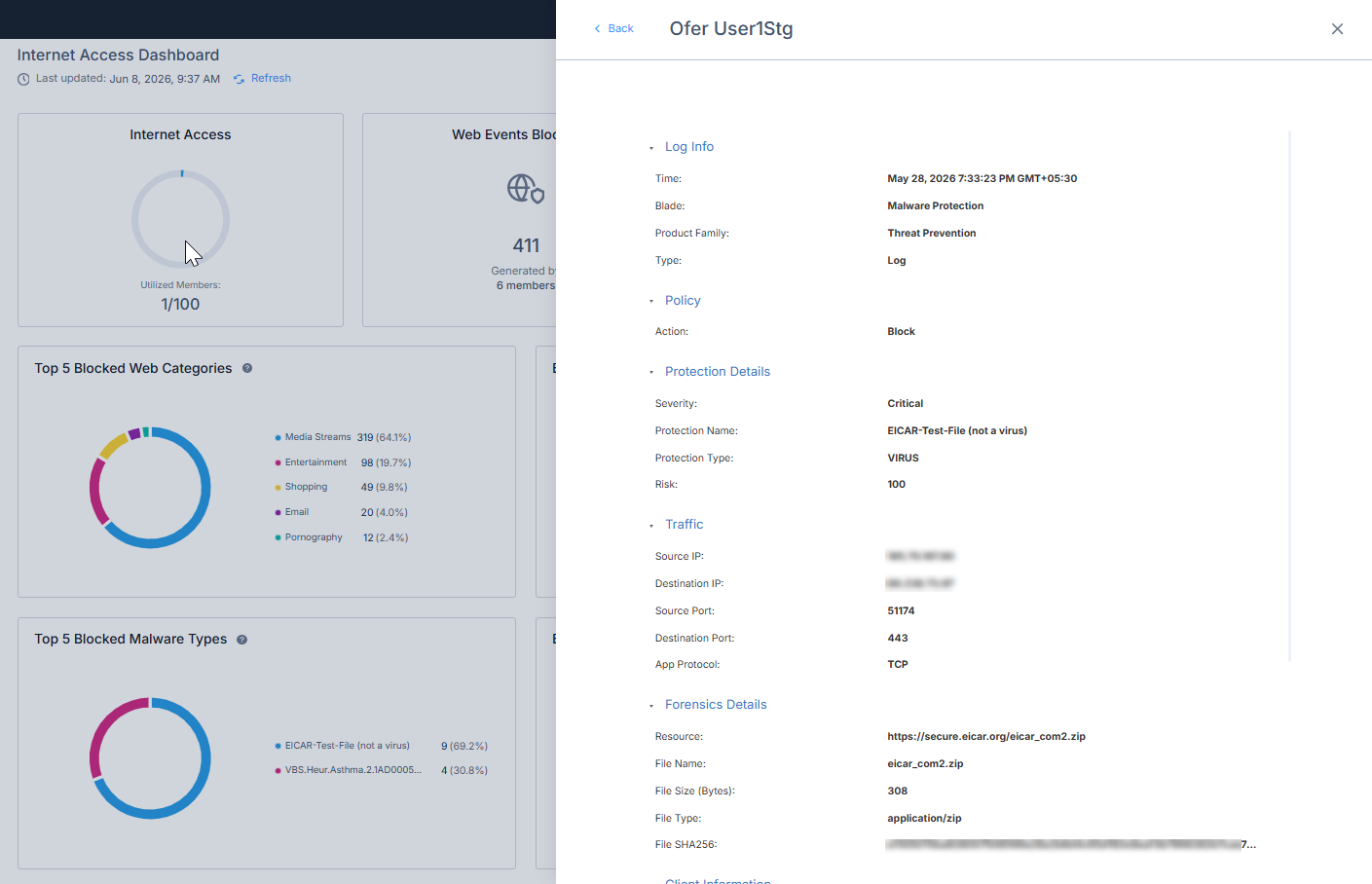
The Top 5 Blocked Malware Types widget shows blocked malware events grouped by malware type during the selected time range.
The chart shows the distribution of blocked malware events by malware type and percentage.
Selecting a malware type shows the related blocked malware events.

Selecting an incident opens additional details.

Blocked Malware by Top 5 Users

The Blocked Malware by Top 5 Users widget shows the users associated with the highest number of blocked malware events during the selected time range.
Selecting a user shows the blocked malware events associated with that user.
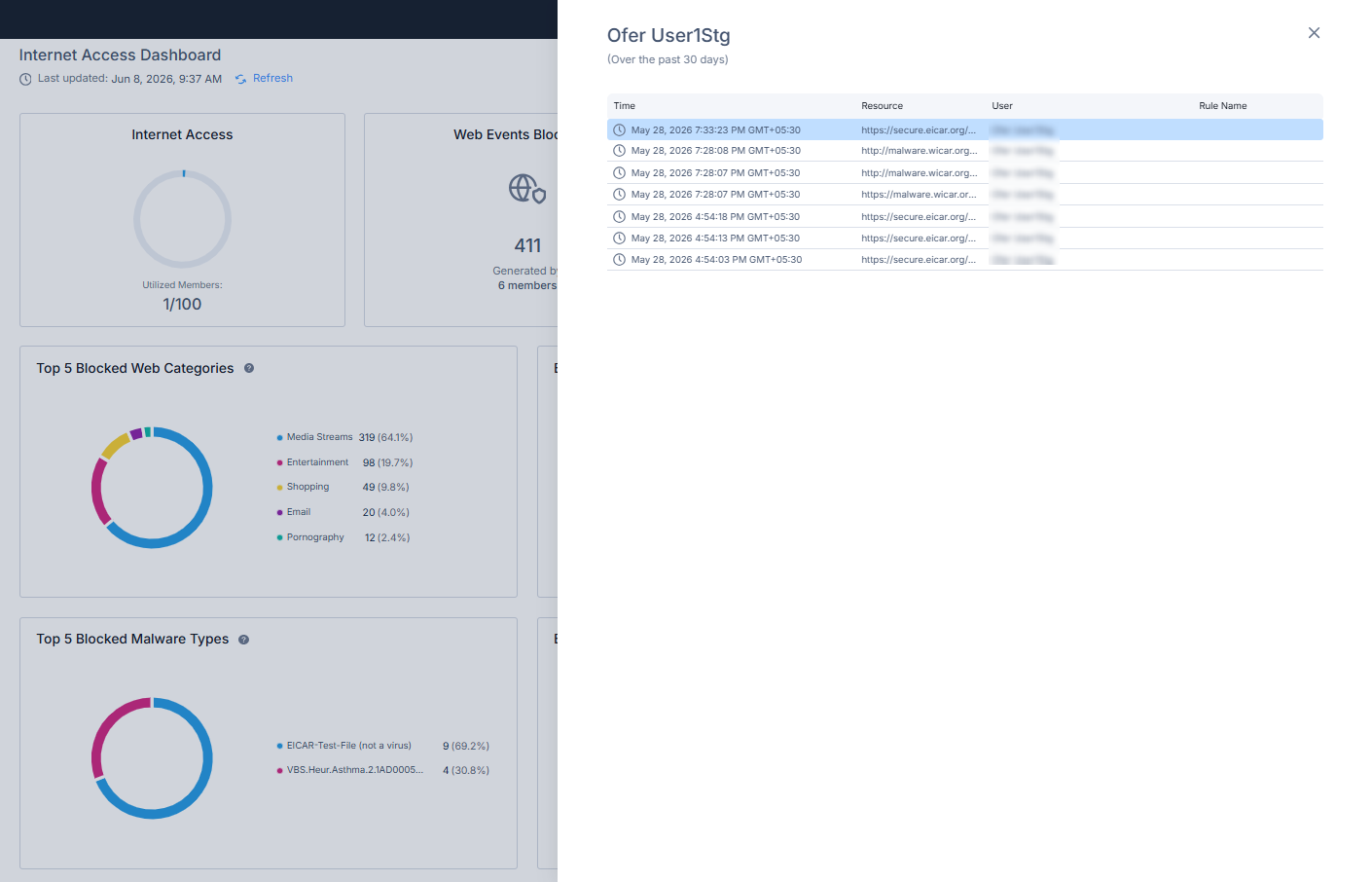
Selecting an incident opens additional details.