
Authentications
Authentications are used to secure API requests and webhooks. You can view, create, edit, and delete authentications from the Authentications page.
Creating an Authentication
To create a new authentication:
-
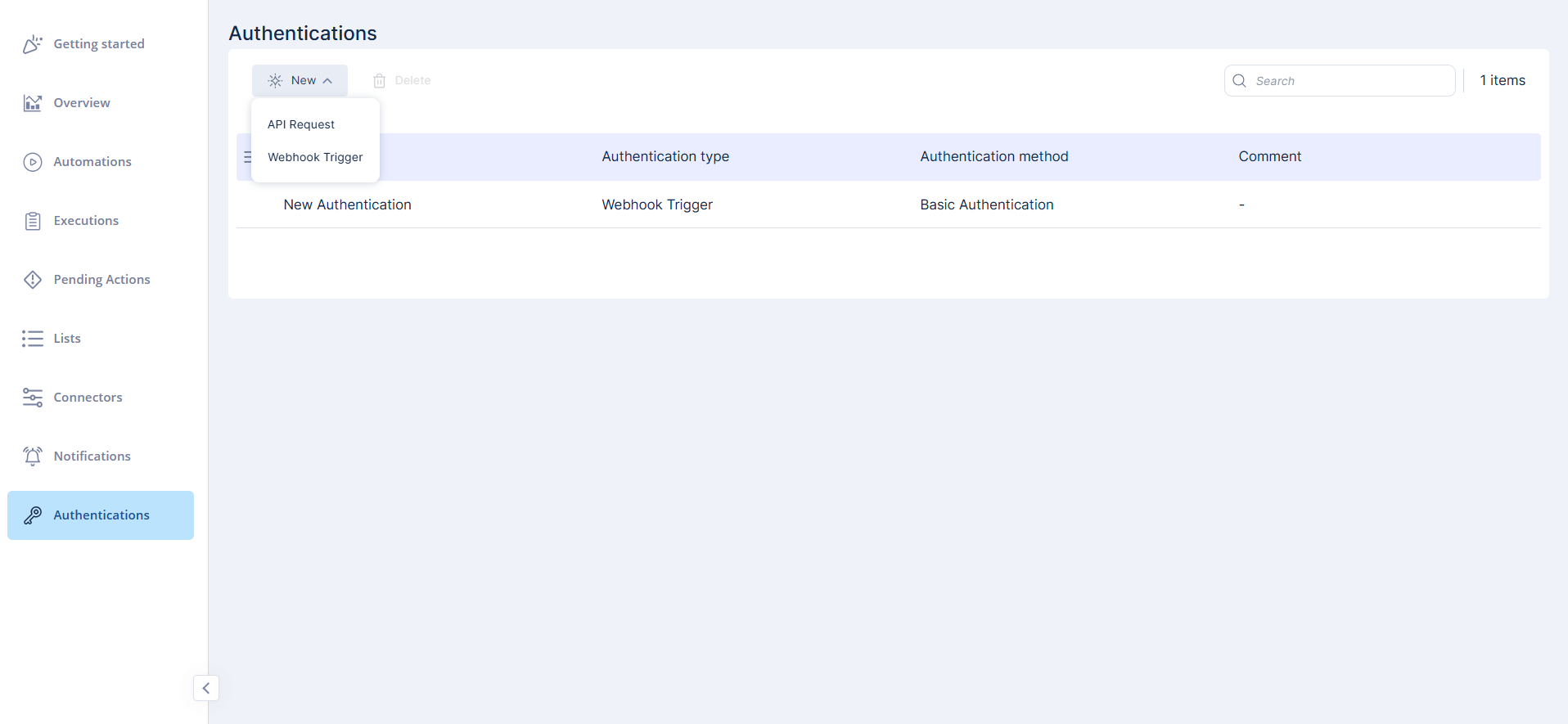
On the Authentications page, click New.
-
Select the authentication type:
-
API Request
-
Webhook Trigger
-
-
Enter the required details for the selected type.
-
Click Save to create the authentication.

Note - We recommend adding authentication for security. Even if someone obtains the webhook URL, they still need valid credentials.
-
You can also create:
-
Webhook Trigger authentication directly from a webhook’s configuration (see Creating a Webhook).
-
An API Request authentication from within the API Request step (see API Request).
-
Supported Authentication Methods
-
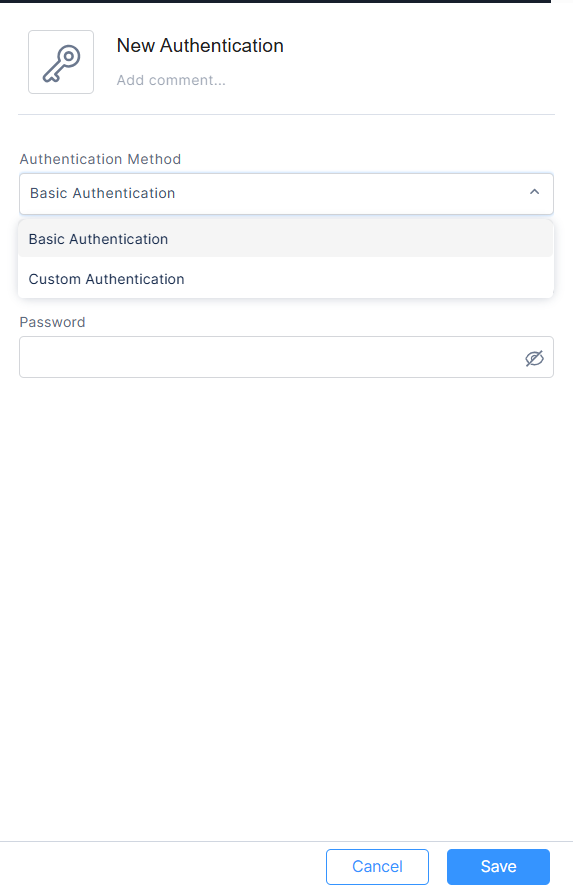
Webhook Trigger
-
Basic Authentication (username and password)
-
Custom Authentication (custom key–value pair)
-
-
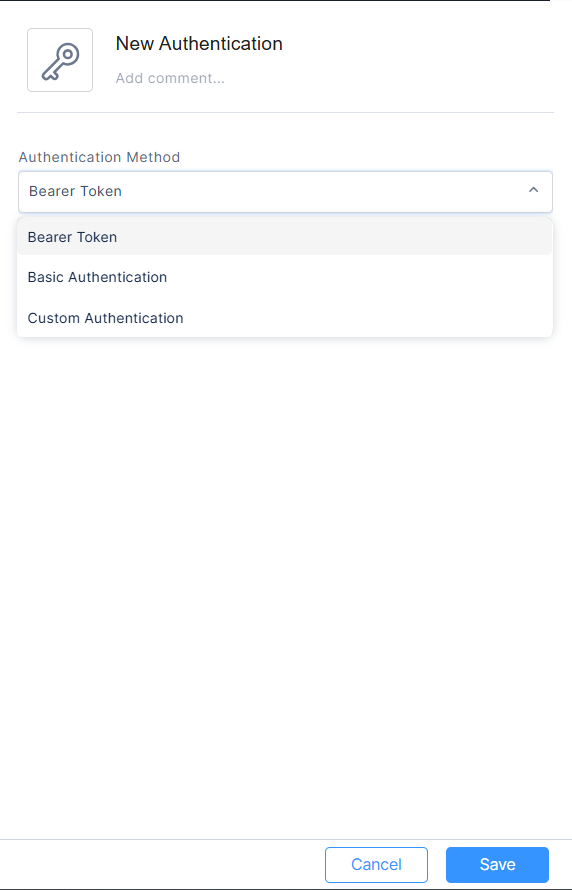
API Request
-
Bearer Token
-
Basic Authentication (username and password)
-
Custom Authentication (custom key–value pair)
-