Jump to main content
Endpoint Security Administration Guide

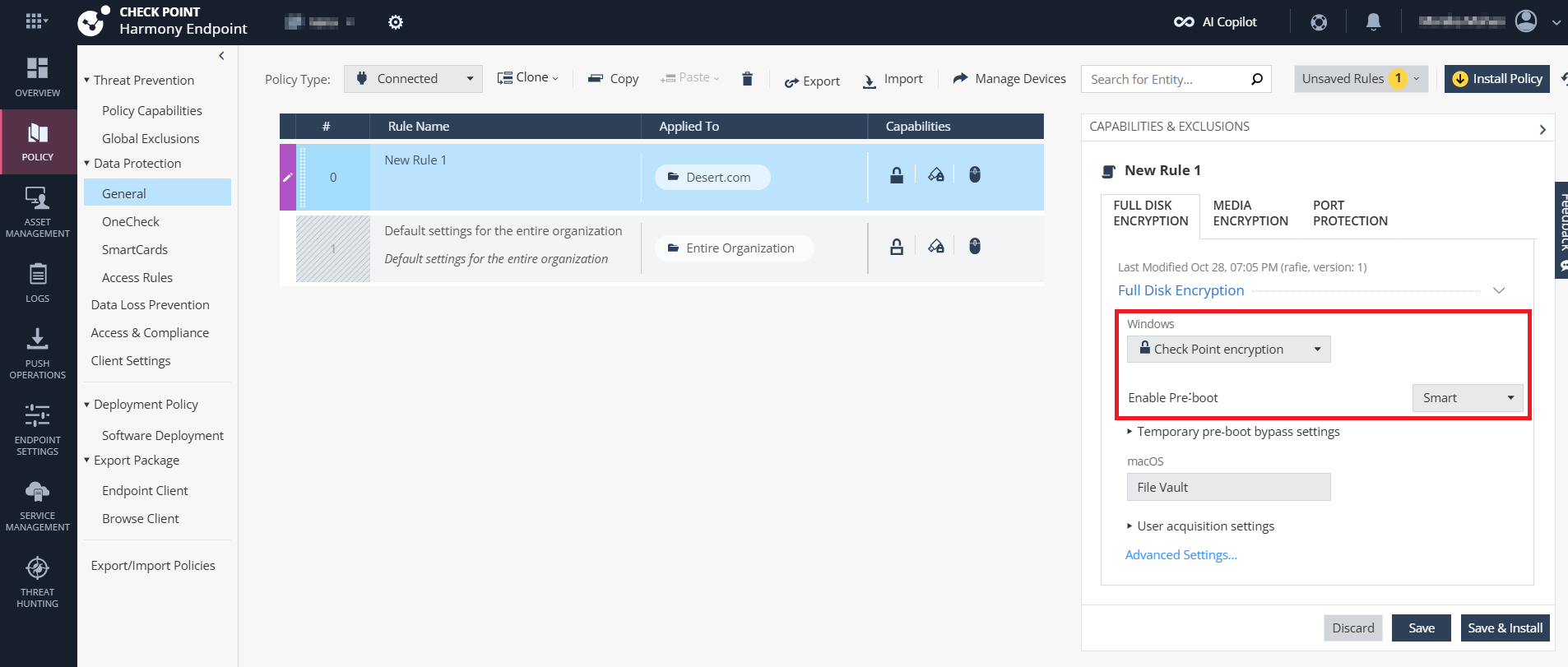
To enable Smart Pre-boot
-
Access the Endpoint Security Administrator Portal and click Policy.
-
Go to Data Protection > General.
-
Select a rule.
-
Click the Full Disk Encryption tab.
-
From the Windows list, select Check Point encryption.
-
From the Enable Pre-boot list, select Smart.
-
Click Save & Install.