
General Actions
-
To perform the general actions, access AI Copilot from the top banner.
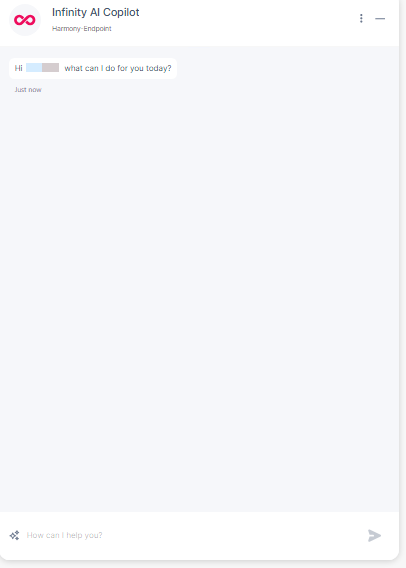
-
Click
 in the Copilot's chat window to perform these actions.

Action
Description
New chat Clears the existing chat history and starts a new chat.
Export chat Exports the current chat to an excel file. Export chat to JSON Exports the current chat to a JSON file. Chat history View chat history by month. Suggested questions
Suggests follow-up questions related to the last response.
Feedback
To provide feedback on the chat. For more information, see Providing Feedback.
Prompt security Scans the user prompt and response for protection, such as Data Loss Protection (DLP), Advanced Context Check (out-of-context and inappropriate text), and Jailbreak Check (prompts that try to bypass the AI engine security to obtain confidentially sensitive information in response). It supports three modes (see table below).
Terms & Privacy View terms of service and privacy policy. Prompt Security Modes
Mode
Scope
Data Loss Protection (DLP)
Advanced Context Check
Jailbreak Check
Basic User Prompt


Response
Optimized User Prompt
Response
Strict User Prompt
Response