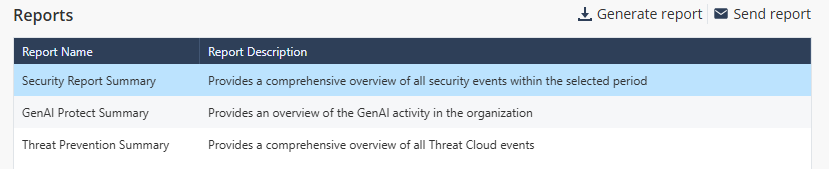
Sending Reports Go to Reports and select the report template in the Reports section. Click Send report. The Send Report window appears. From the Period list, select the time frame to generate the report. Last Day - The system generates the report for the previous day. Last Week - The system generates the report for the last seven days. Last Month - The system generates the report for the last 30 days. In the Add specific recipients field, click + and select the recipients. Click Send.