
Generating Reports On Demand
-
Go to Reports and select the report template in the Reports section.
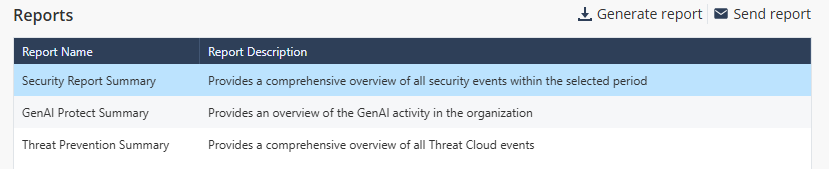
The system displays the sample report on the right side.

-
To generate the report, click Generate report.
The Generate Report window appears.

-
Click Generate.
The Recent activities window appears and shows the report generation status.
 Note:
Note:The Recent activities window shows the download activities from the past seven days.
When the report is ready, the system downloads it automatically.
-
To download the report later:
-
Click the
 icon at the top-right corner.
The Recent activities window appears.
-
Click the Download link.

-
Click the