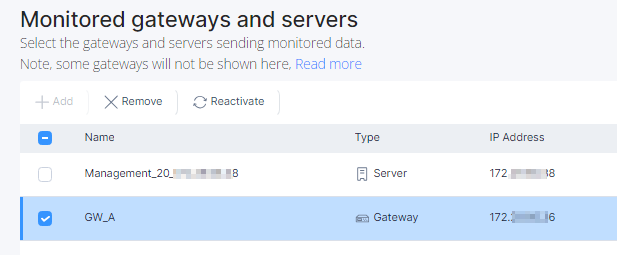
Removing an Asset Select the asset and click Remove. In the confirmation window, click Remove. AIOps stops monitoring the asset. Note: After an asset is removed, it will no longer appear on the Asset Dashboard. However, the system will still display the historical alerts received while the asset was being monitored.