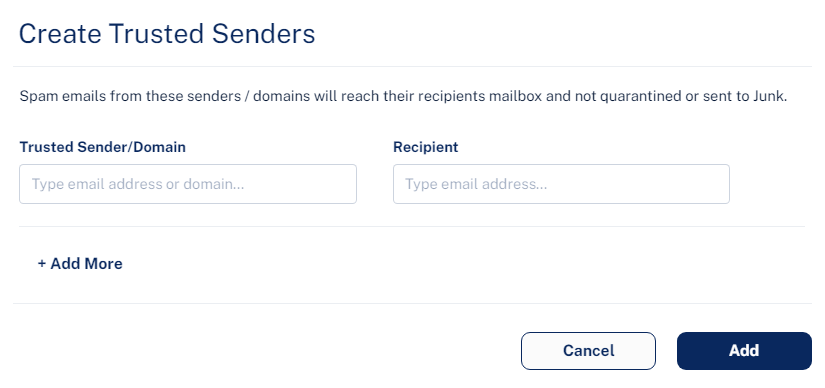
To add trusted senders manually:
-
Click Trusted Sender.
-
In the Trusted Sender/Domain field, enter the sender email address or domain.
-
In the Recipient field, enter the recipient email address.
-
To add more senders or domains, click +Add More and repeat steps 2 to 3.
-
Click Add.