Security Checkup Report Recipients
By default, all the Avanan users receive Security Checkup report.
To exclude users from receiving the Security Checkup report, add the Disable Receiving Weekly Reports specific service role for Avanan. For more information, see Managing Users, Roles and their Permissions.
To exclude users from receiving the Security Checkup report:
-
Search for the user and click the
 icon on the last column of the user.
-
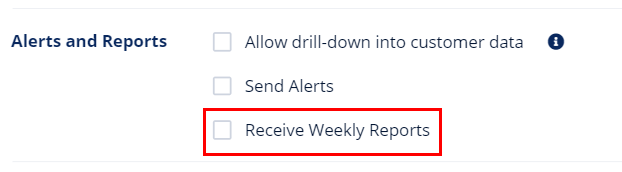
Scroll down to the Alerts and Reports section and clear the Receive Weekly Reports checkbox.