
Export Results to CSV
To export the search results to CSV:
-
Select the emails to export.
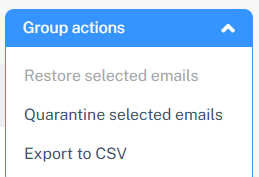
To export all the emails from the search results, click Group Actions > Export to CSV.
 Note:
Note:You can export up to a maximum of 20000 emails at a time in the Mail Explorer page.
To export specific emails from the search results, select the emails and click Group Actions > Export to CSV.
Note:Only the selected emails will be exported.