
Blocking a Compromised User Account
To block a compromised user account from ERM Leaked Credentials page
Go to Leaked Credentials.
In the ERM Leaked Credentials table, click the
 icon next to the required security event.
Select Block User.
-
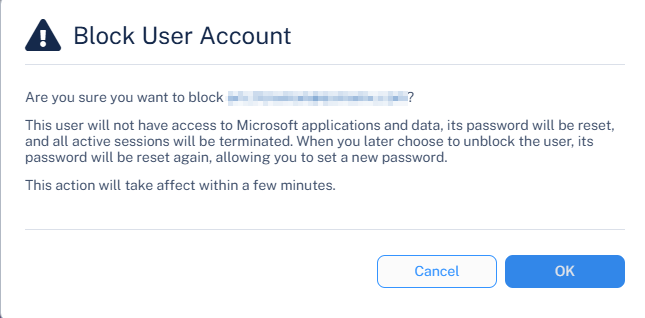
In the Block User Account pop-up, click OK.
To block a compromised user account from Events page
Go to Events.
In the Events table, filter the Threat Type by Anomaly.
-
Click the
icon next to the required anomaly security event.
Select Block User.
-
In the Block User Account pop-up, click OK.