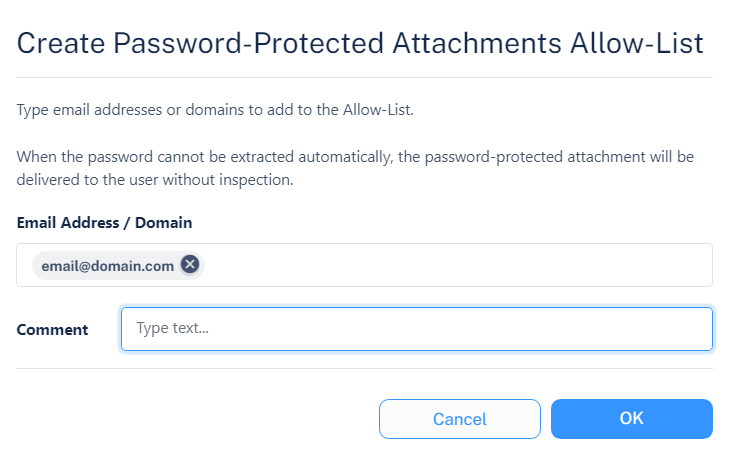
Password-Protected Attachments Allow-List
When a Password-Protected Attachment allow-list is detected for an email address or domain, the system ignores the Password-Protected Attachments workflow configured in the policy and delivers the attachment to the end-user.
-
Password detected: The system scans the attachments for malware and gives the verdict.
-
Password not detected: The system gives the verdict as allow-listed (clean) and delivers the attachment to the user.
To create a Password-Protected Attachments Allow-List:
-
Click Create Allow-List.