Accessing the Check Point Portal
Accessing Email Security
After completing the migration steps, all users should access Avanan through the Check Point Portal.
To access the Email Security from the Check Point Portal:
Sign in to Check Point Portal.
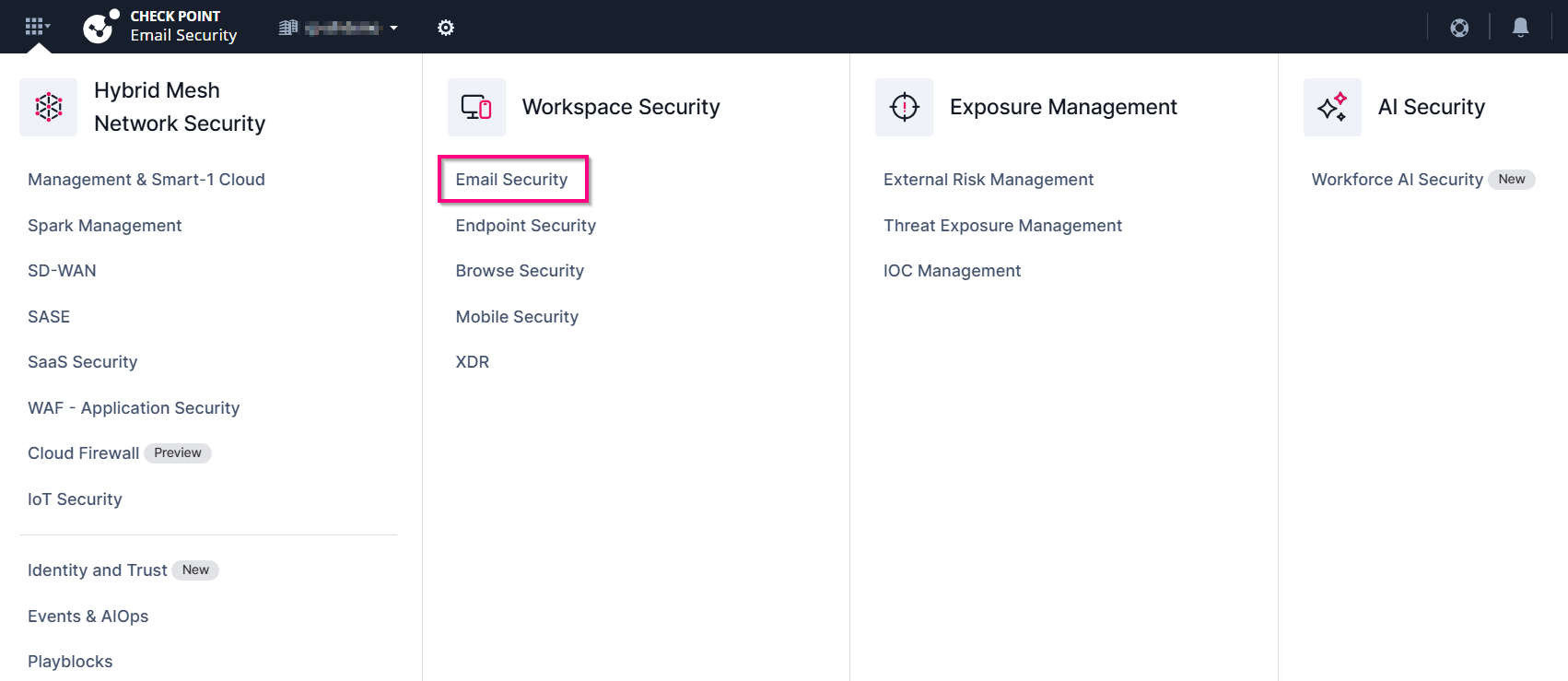
Click the Menu icon in the top left corner.

In the Workspace Security section, click Email Security.
Accessing Portal Documentation
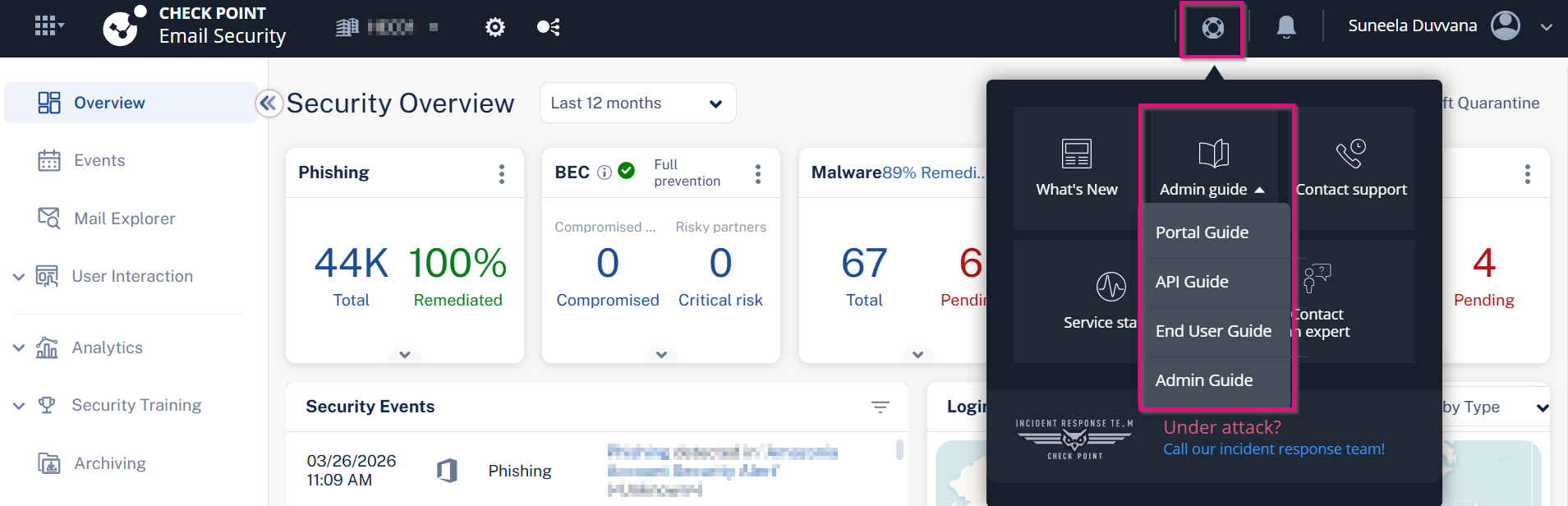
To learn more about using the Check Point Portal and its documentation:
Sign in to Check Point Portal.
Click the
 support icon and select Admin guide > Portal Guide.