Connecting over Console (Serial) Port
- Connect the management ports on the SSMs to your network.
Example:
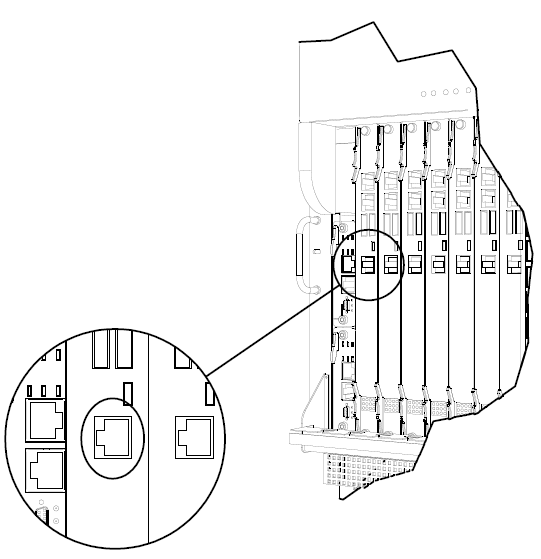
- Connect the data ports on the SSMs to your network.
- Define the communication parameters in your terminal emulation application (for example, PuTTY):
- - 9600 BPS, 8 bits, no parity, 1 stop bit
- - None
- Log in with these credentials:
- username =
admin - password =
admin


