
Accessing the Browse Security Administrator Portal
To access the Browse Security Administrator Portal:
- Sign in to Check Point Portal.
-
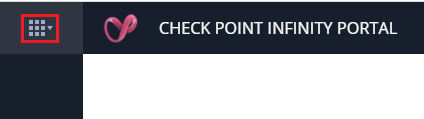
Click the Menu button in the top left corner.
-
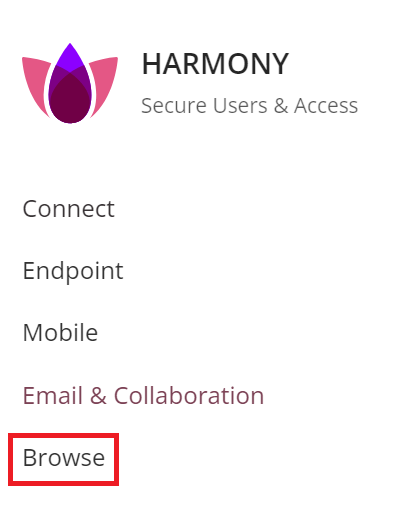
Under Workspace Security, click Browse Security.
-
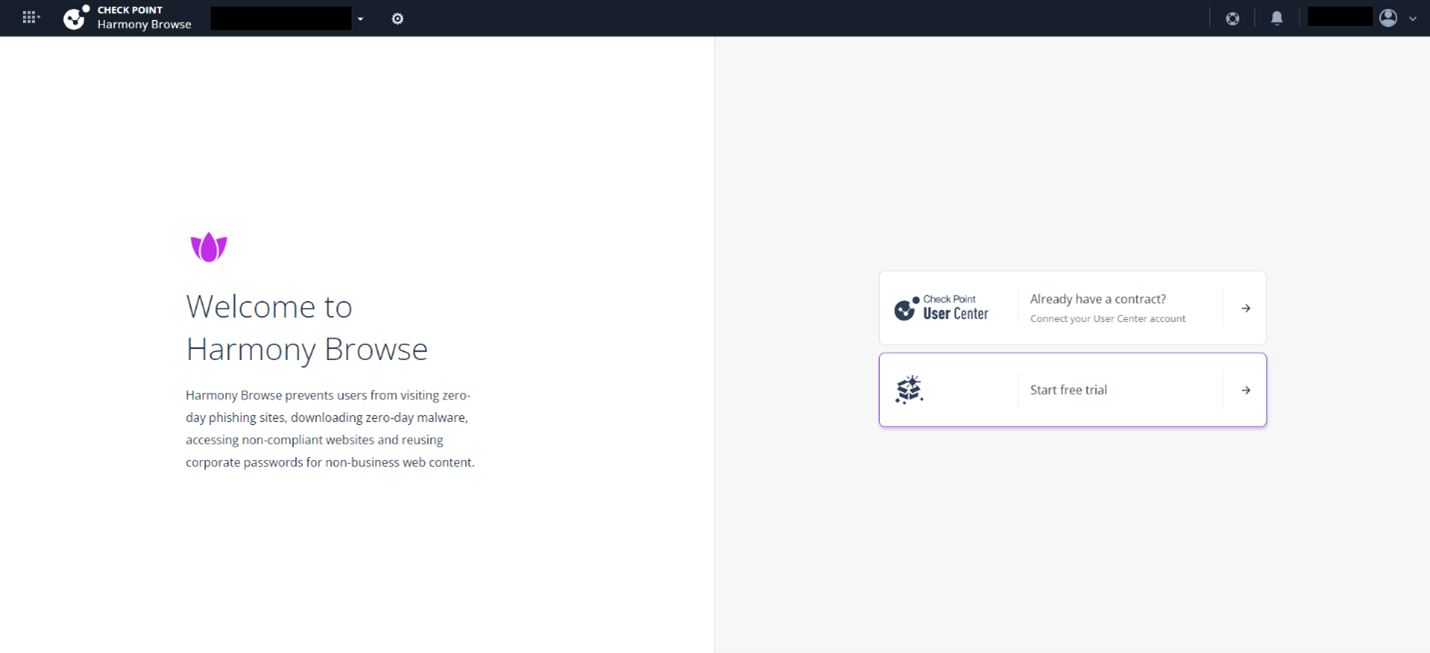
If you are accessing the portal for the first time, do one of these:
-
If you already have a Check Point contract, click Already have a contract? to attach the contract to the product. For more information, see Associated Accounts in the Check Point Portal Administration Guide.
-
If you want to trial the product, click Start free trail.
-
If you have already attached the contract with the product, the Overview page appears.
Browse Security creates the endpoint management service automatically.