
Audit
Avanan audits all the user actions performed in the MSP portal and adds them to the Audit page for forensic and auditing purposes.
The Audit page shows the user actions (onboarding new customers, assigning licenses, and so on) taken only in the MSP portal. It do not show the actions taken on the individual customer portals.
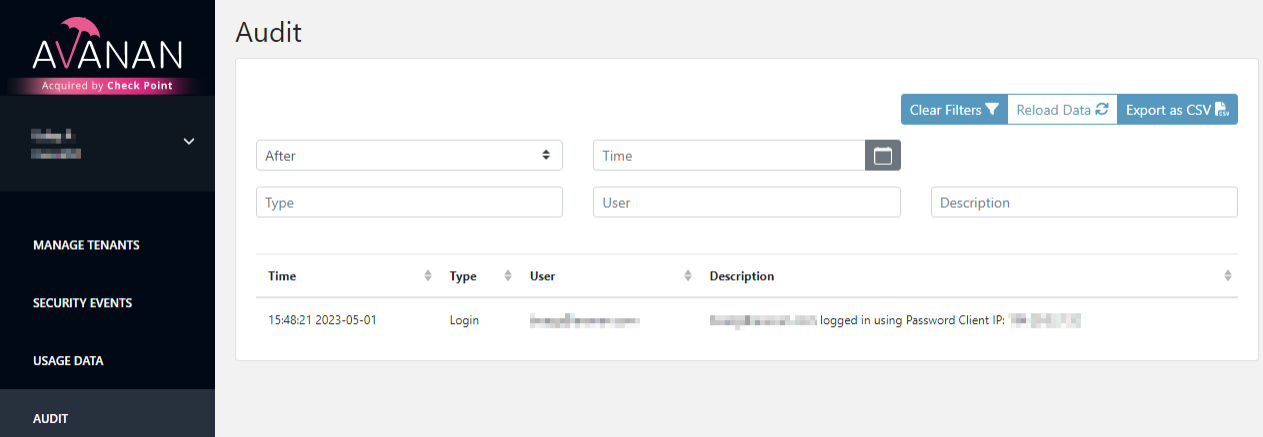
|
Item |
Description |
|---|---|
| Time |
Date and time the action was started. |
| Type |
Type of action performed. |
| User |
Email address of the user who initiated the action. |
| Description | Action description. |
You can filter logs by date, type of event, user, or description.
To export the results to an excel file, click Export as CSV in the top-right corner.