Instructions
 1. Get Started - Onboarding
|
Step |
Instructions |
|---|---|
|
1 |
Create an account in the Infinity Portal You must first create an Infinity Portal account, go to https://portal.checkpoint.com/create-account. |
|
2 |
Log in to your account : https://portal.checkpoint.com |
|
3 |
Onboard your cloud environment : For detailed onboarding steps, see Onboarding Cloud Environments in CloudGuard Administration Guide |
2. Findings Presentation
After activating the account, results will start appearing within ~30 minutes. It is recommended to wait, at least, few hours before presenting the results to the customer.
The CloudGuard Dashboard provides summary and aggregate data from different CloudGuard data sources, such as Events, Protected Assets, Intelligence, and Threat Hunting, and external integrations such as Tenable.io, Serverless, and Kubernetes.
|
Step |
Instructions |
|---|---|
|
1 |
Navigate to the Overview and select Home Dashboard to open the default Dashboard. |
|
2 |
The main screen shows a Home Dashboard of your environments and resources onboarded to CloudGuard. This includes:
|
 3. Best Practices Report
Check compliance of your cloud environments with Posture Management and run them on the environments.
|
Step |
Instructions |
|---|---|
|
1 |
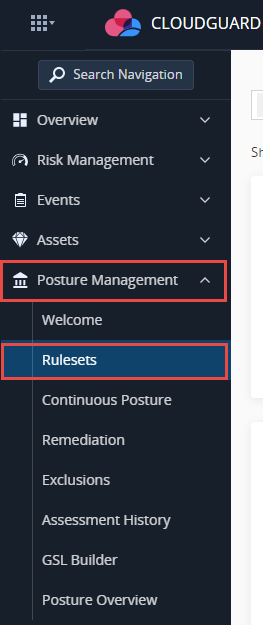
Navigate to the Rulesets tab in the Posture Management menu.
|
|
2 |
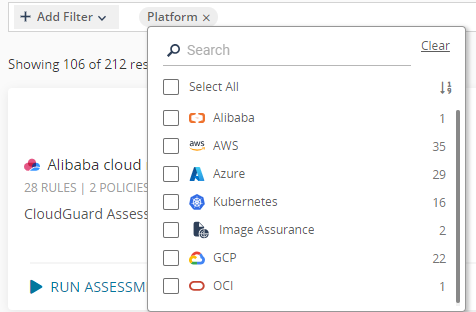
Add filter for the relevant cloud platform.
|
|
3 |
Search for the CloudGuard CheckUp:
|
|
4 |
Click Run Assessment. The Run Assessment window opens with a list of available environments. |
|
5 |
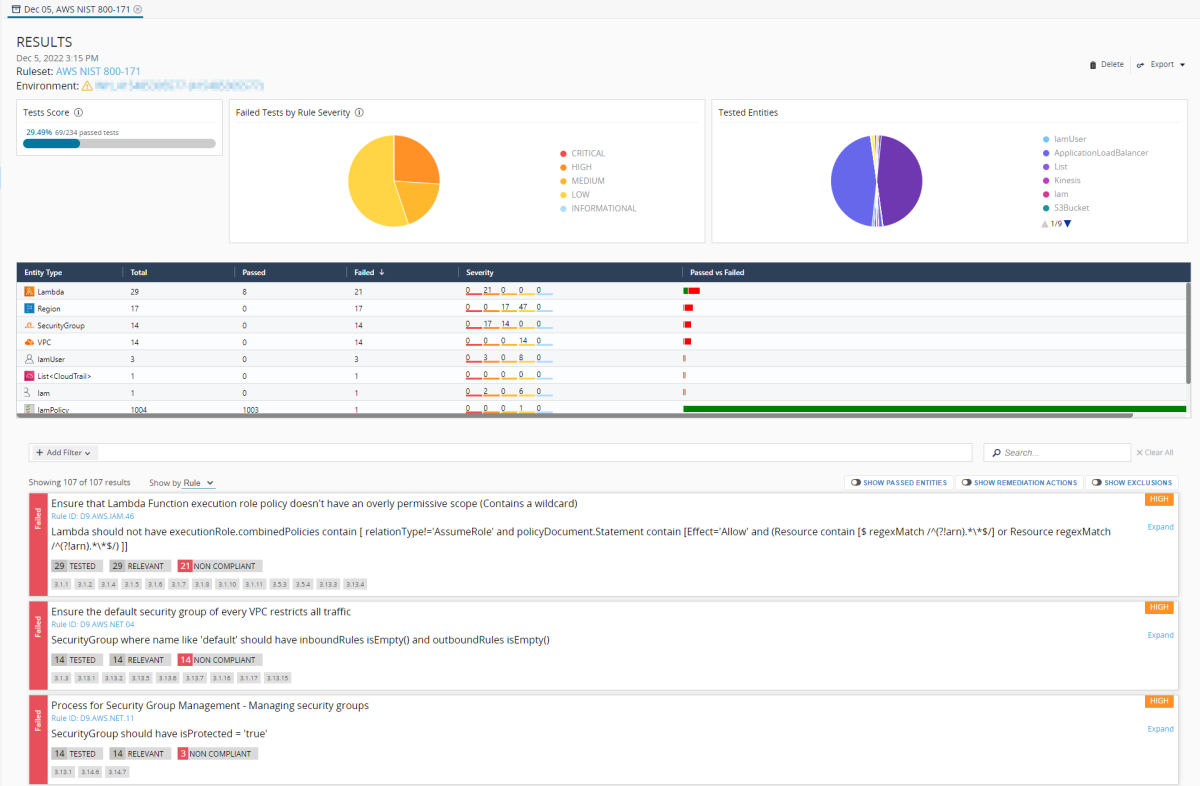
Select the environment, region, and VPC, on which the policy is run, and click RUN. The assessment period usually takes from a few seconds to a few minutes, based on the complexity of the ruleset and the number of rules. When it completes, the results appear.
In this part of the CheckUp , you should explain to the customer about the report’s findings:
|
|
6 |
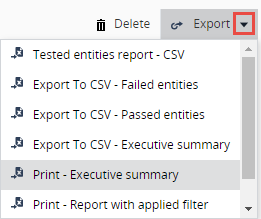
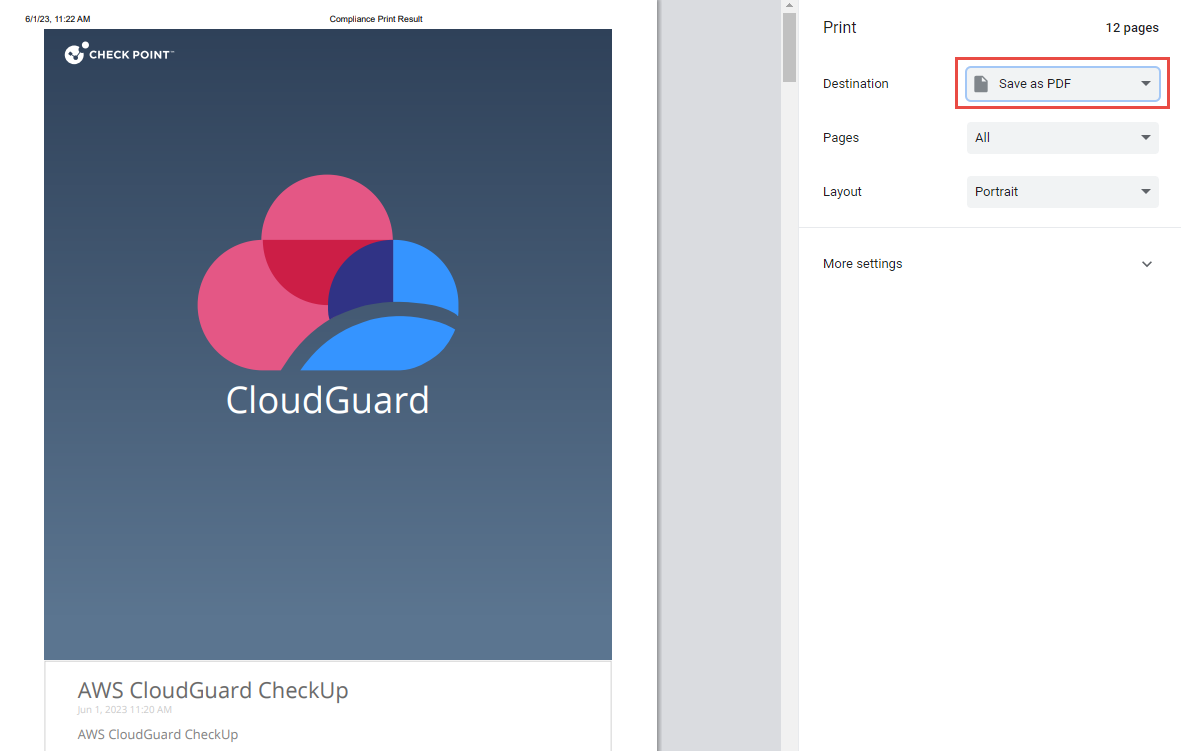
Print & save the full report and share with the customer. Click the Export down arrow and select Print - Executive Summary.
|
|
7 |
Record the security checkup activity in Saleforce (Technical Engagement). |
|
8 |
Detach cloud account from CloudGuard platform. |