3. Web download protection scenario
Goal
-
Demonstrate Harmony Endpoint Browser extension web download protection with SandBlast Threat Emulation and Threat Extraction technologies.
-
Another goal is to demonstrate having the same level of protection when outside the organizational network.
Discussion points
-
Threat Emulation and Threat Extraction technologies as the core technologies through all SandBlast Solutions.
-
Having the same level of protection for users that leave the network protection and work remotely.
-
Practical prevention where users receive a safe and sanitized copy of files in seconds while original file is emulated. Original files are self-catered by the users if they are not malicious.
Watch the Demonstration Video
For brevity, this video shows only the most important steps.
Instructions
The procedure below describes all steps to demonstrate the scenario.
|
Step |
Instructions |
||
|---|---|---|---|
|
1 |
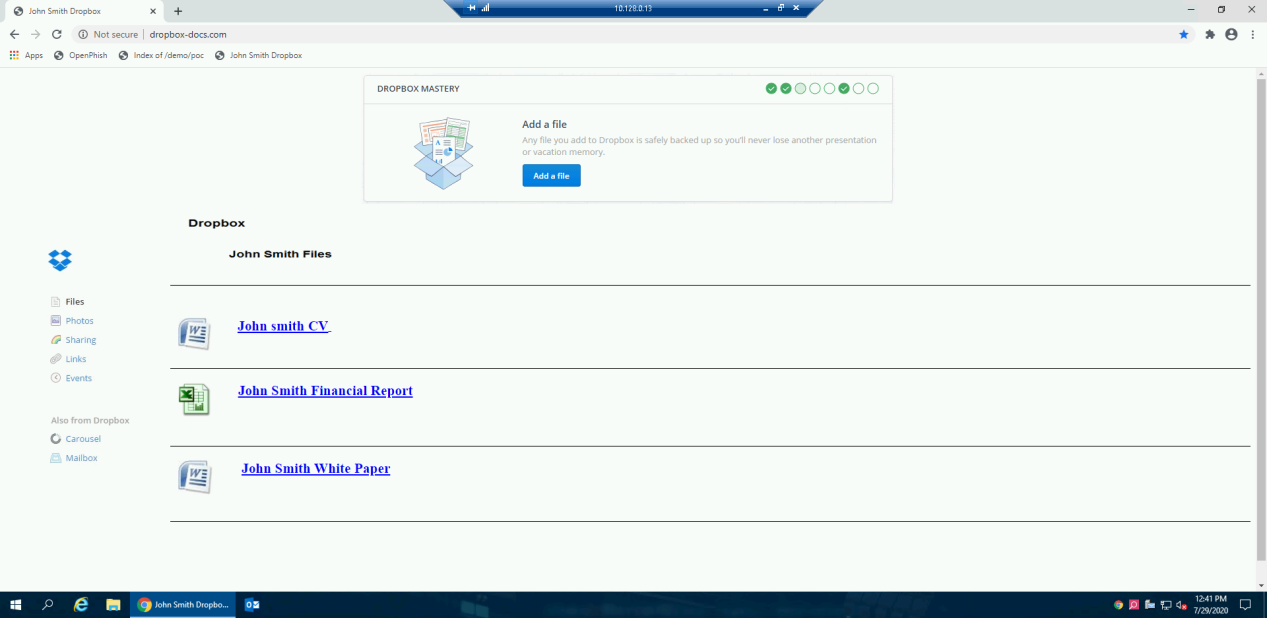
From the Jump server machine use the remote desktop link to connect to the Windows server protected machine and open the chrome browser.
Click on John Smith Dropbox bookmark “http://www.dropbox-docs.com/”. |
||
|
2 |
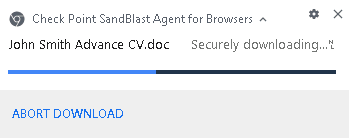
Click on the first file “John smith CV” to download it.
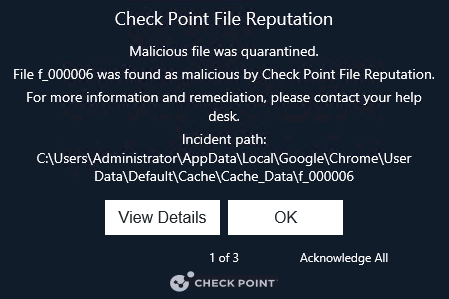
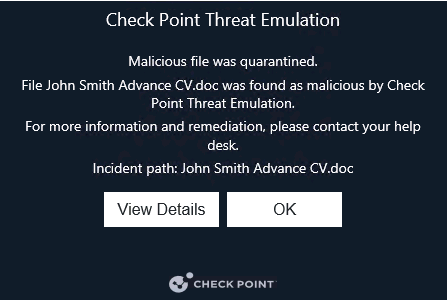
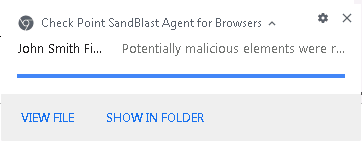
The file is sent to the cloud for emualtion and extraction. If the file is known as malicious by ThreatCloud and TE it will be blocked. In cases where the file is not known it will be extracted and the access to the original file will be blocked after emulation is finished since the file is malicious. You can view the notifications from the browser extension.
|
||
|
3 |
The following 2 files are benign files that will demonstrate Threat Extraction ability to proactivly clean a file and provide a user with a safe copy of the file in seconds. We will demonstrate 2 scenarios:
|
||
|
4 |
The policy is set to clean, which means that the file will be cleaned and reconstracted using the same file format (the user will recieve a safe copy in excel format) Download the John Smith Financial Report. |
||
|
5 |
Open the downloaded file and click the view chart button to show that the macro is not working.
|
||
|
6 |
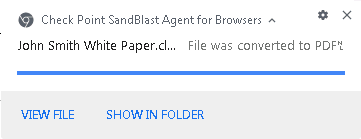
The policy is set to convert documents, which means that the file will be converted to a flat pdf without any active content. Download the John Smith White Paper.
|
||
|
7 |
Press the browser extension icon (in the upper right corner of the extension bar) and download the original files to show that the cleaned files content are the same, but without the active content.
|