|
|
|
In This Section: |
CloudGuard Controller is a component of the R80.20.M1 Security Management Server. Make sure you have the most up to date CloudGuard Controller. Some steps below may be necessary to enable CloudGuard Controller to communicate with your Data Center.
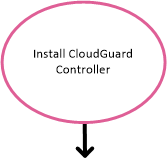
Step 1: Install or upgrade to R80.20.M1, which includes CloudGuard Controller. |
|
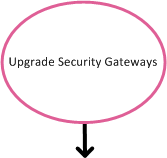
Step 2: Upgrade Security Gateways (if necessary). |
|
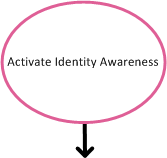
Step 3: Activate the Identity Awareness Software Blade. |
|
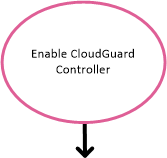
Step 4: Enable CloudGuard Controller. |
|
Step 5: Integrate with Data Centers. |
|