Binding with Infinity XDR/XPR
|
|
Note: Infinity XDR/XPR is served from a different portal from NDR |

Creating a Infinity XDR/XPR API Key
-
Log in to the Infinity Portal and select Infinity XDR/XPR as the application.
-
On GLOBAL SETTINGS > API Keys, click * New, select Infinity XDR/XPR as the Service. Optionally: Enter a Description (for example. Binding with NDR Indicator Management).
-
Click CREATE.
-
Infinity XDR/XPR outputs two values: a Client ID
 Identifier, and an Access Key. Copy these values, as you cannot retrieve the Access Key after you close the window.

Importing the Infinity XDR/XPR API Key into NDR Indicator Management
-
Log in to the NDR Indicator Management application portal and open the customer domain.
-
On the MANAGEMENT > API Keys tab, click * New, select Infinity XDR/XPR as Type, and enter the Client ID and Access Key that you copied from the Infinity XDR/XPR.
-
NDR pulls the Infinity XDR/XPR's outputs automatically and adds to NDR's native Behavioral Analytics AI
Artificial Intelligence engines. This let you visualize incidents in context with NDR's advanced threat visualization capabilities.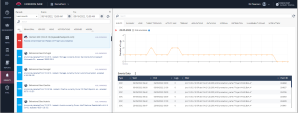
-
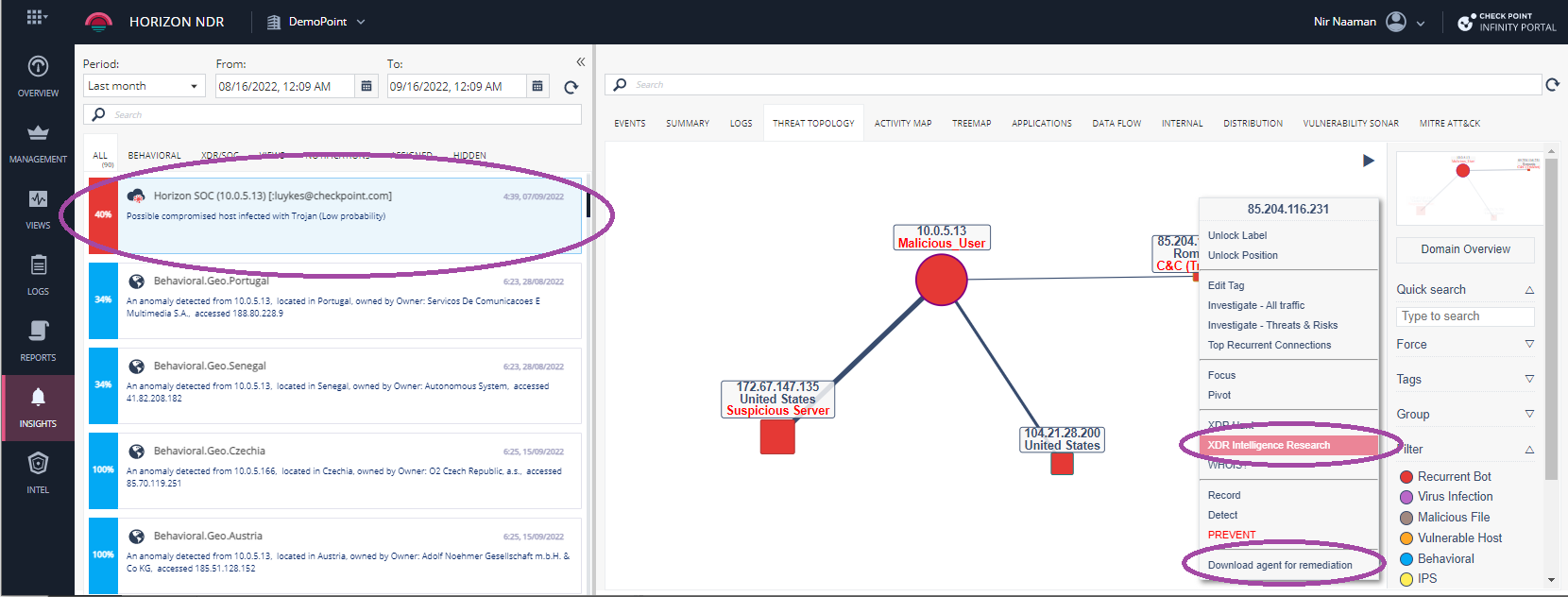
In addition, NDR let you pivot back to Infinity XDR/XPR for ThreatCloud and Open Source investigation.