
Licensing Identity and Trust
When you create an account in the Check Point Portal and access the Identity and Trust service for the first time, you can choose one of these options:
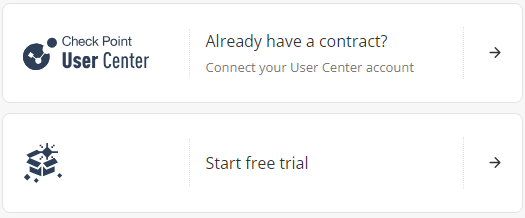
Sync with the User Center
If you already have a Check Point contract, select Connect your User Center account.
When you select this option, the Attach Account window opens. Follow the on-screen instructions and connect your User Center account with the Check Point Portal. For more information, see Account Settings > Services & Contracts in the Check Point Portal Administration Guide.
|
|
Note - For on-premises deployments, you must connect your management to the Check Point Portal. See sk184309. |

Start free trial
Select Start a free trial if you do not associate Identity and Trust with a user account.
-
When you select this option, you can use Identity and Trust for a 30-day period. After the 30-day trial period, you must purchase a software license to use the product.
-
To purchase a license, you must create a Check Point User Center account. See sk22716.
-
After creating the account, contact your Check Point sales representative to purchase a license.