
STIX/TAXII 2.1
To create a new integration with STIX/TAXII 2.1:
-
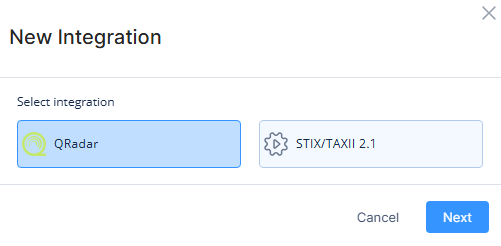
Click New integration.
-
In the pop-up, select STIX/TAXII 2.1.
-
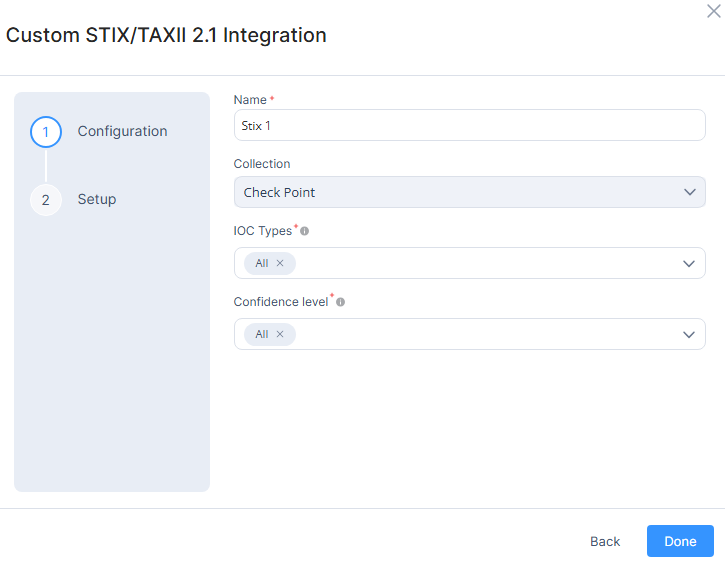
Enter a name for the integration.
-
From the Collection list, select the feed collection.
-
(Optional) Choose filters for the integration:

Note - By default, all options are selected. These fields cannot be empty.
-
IOC Types - Select the indicator types to be added in the integration.
-
Confidence level - Select the confidence level of IoCs to be added in the integration.
-
-
Click Done.
The Setup tab appears.
-
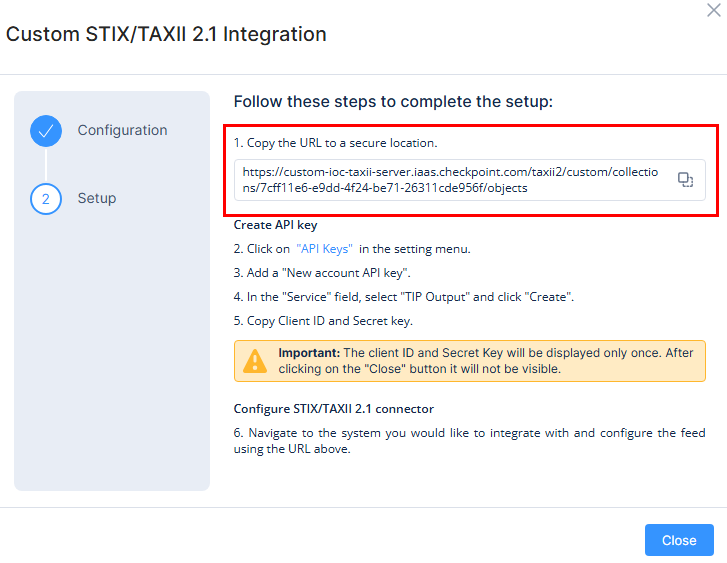
Copy the URL and save it.
Use this as the TAXII server URL to the system you want to integrate the IoC feed with.
-
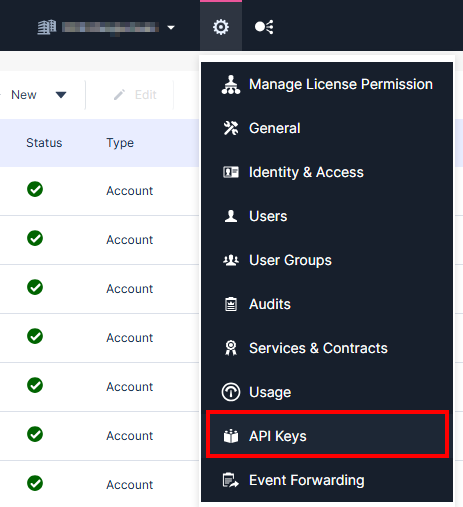
To generate Client ID and Secret Key for the integration, go to Settings and click API Keys.
-
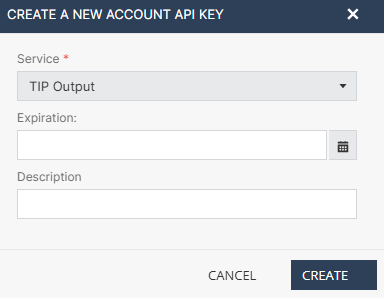
Click New > New account API Key.
-
From the Service list, select TIP Output.
-
Click Create.
-
Copy Client ID and Secret Key.

Important - Save the Client ID and Secret Key in a secure location. These credentials are displayed only once and cannot be retrieved after you click Close.
Use these credentials in the system where you perform the STIX/TAXII 2.1 integration.
-
Click Close.