
Preparing UEM Platform for Integration
Shared Prerequisites
The following prerequisites applies to both BlackBerry UEM Unified Endpoint Management. An architecture and approach that controls different types of devices such as computers, smartphones and IoT devices from a centralized command point. Cloud and On-Premises.
Make sure that your BlackBerry Cloud instance has Apple Push Notification (APN) certificate and Android Enterprise connection active.
To log in to BlackBerry cloud account:
Log in to your BlackBerry UEM account.
On the right panel, click Services.
Click UEM.
In the BlackBerry Cloud section, click Open for your BlackBerry account.

The BlackBerry Cloud authentication page appears.
Enter your credentials and click Sign In.
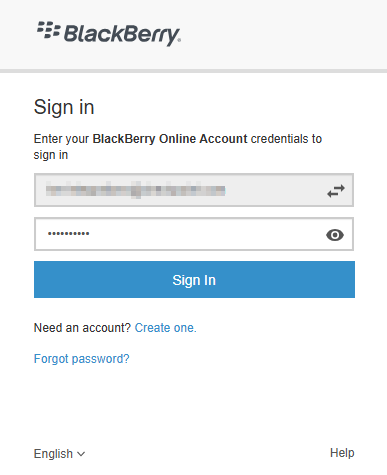
To log in to BlackBerry On-Premises account, enter the hostname address of the server in the web browser.
In the login screen, enter your credentials and click Sign in.
To configure the APN and Android Enterprise connection:
After logging in to your BlackBerry UEM cloud/on-premises account, go to Settings > External integration and do these:
For iOS devices, go to the Apple Push Notification tab and make sure you have a valid Apple Push Notification (APN) certificate installed.
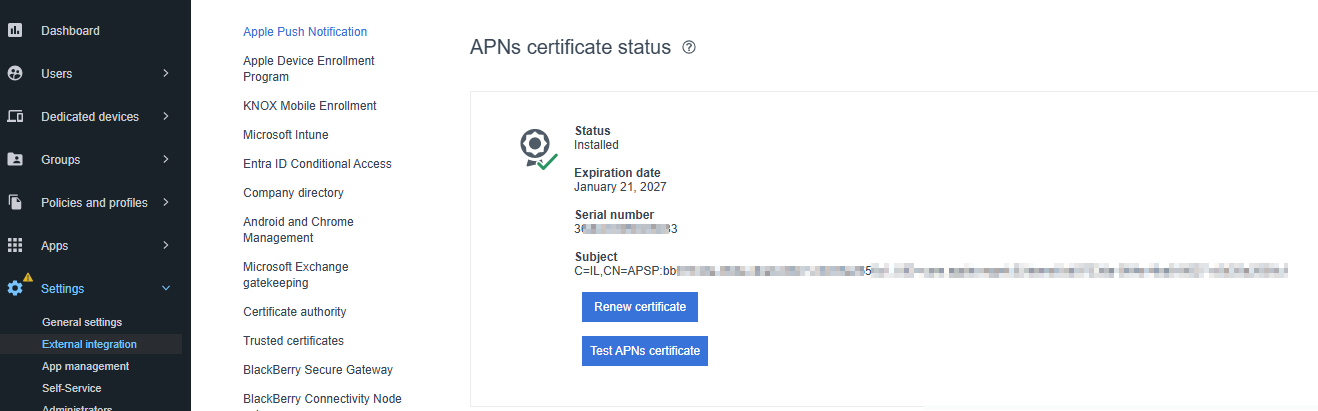
For Android devices, go to the Android and Chrome Management tab and make sure your Android Enterprise connection is active.

For more information, see BlackBerry UEM documentation.