Adding Android Application to the Catalog
-
On the BlackBerry UEM
 Unified Endpoint Management. An architecture and approach that controls different types of devices such as computers, smartphones and IoT devices from a centralized command point. console, go to Apps > Apps, and click the
  icon.
icon.
-
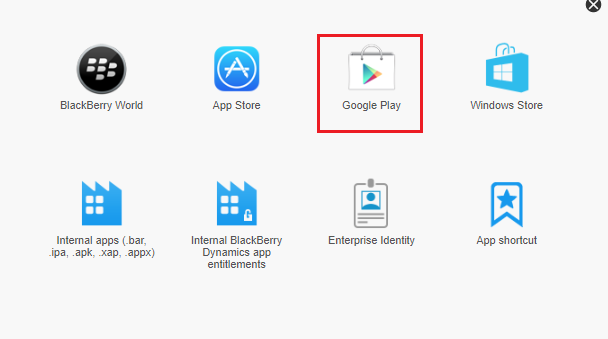
Select Google Play.
-
Click Open Google Play and search Mobile Security Protect.
Click Approve and then click Select.
-
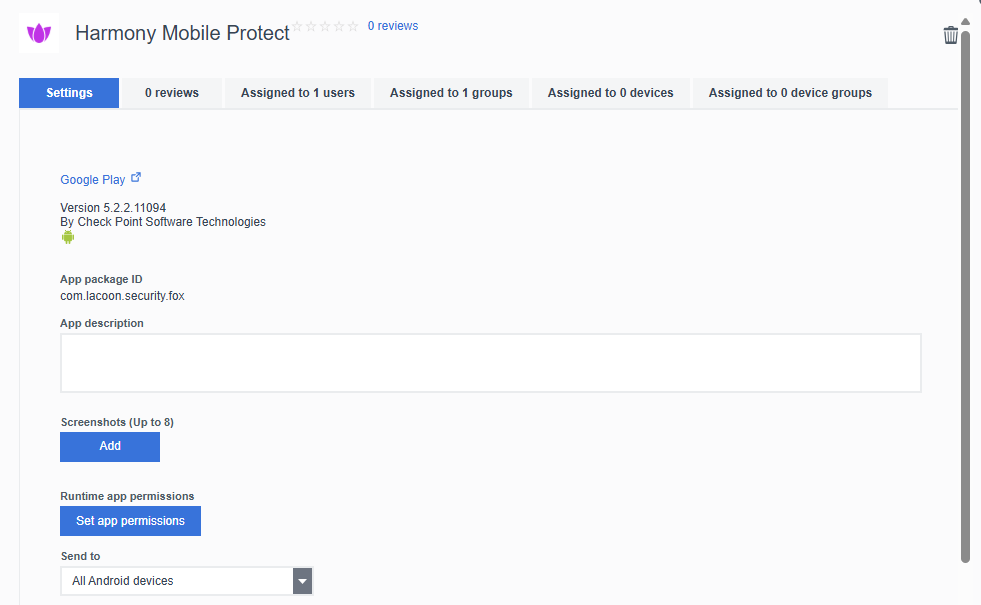
In the Apps screen, click the Mobile Security Protect app created for Android.

The Mobile Security Protect app window appears.
-
In the Settings tab, scroll-down to the App configuration section.
-
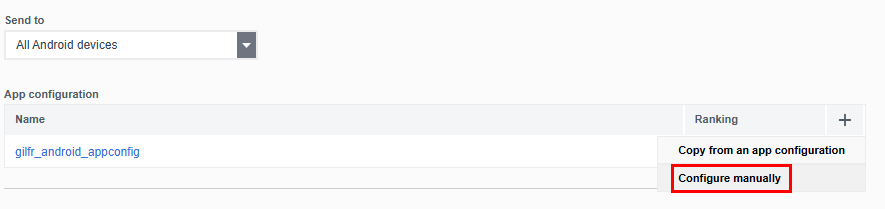
Click + and select Configure manually.
-
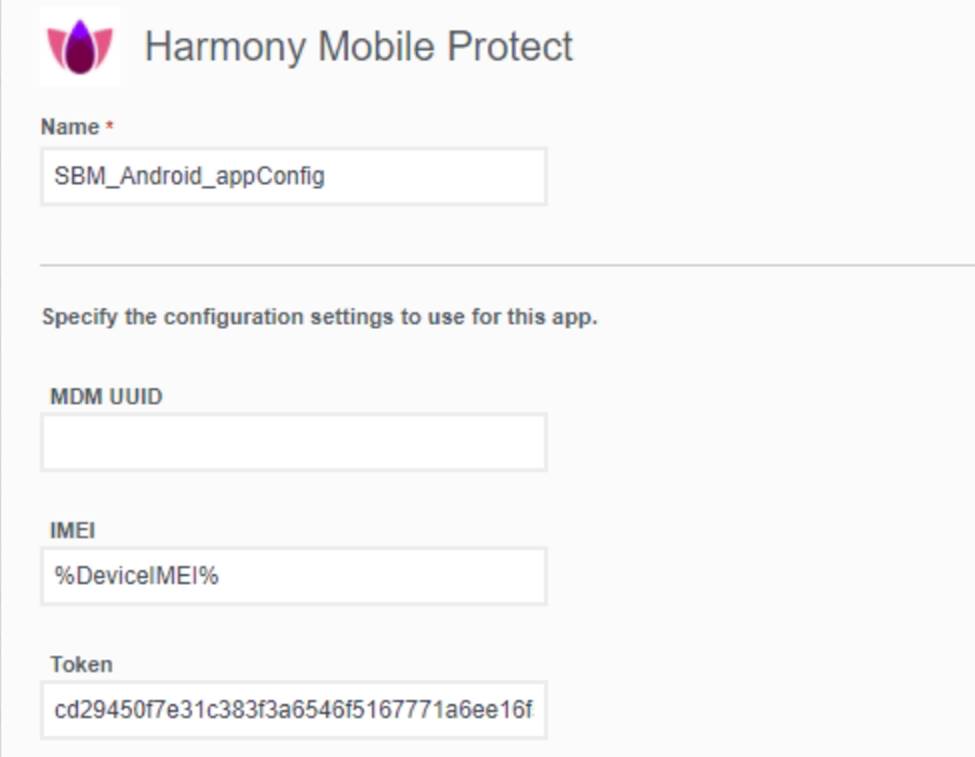
Enter the app config values as described in the following table:
-
Click Save.
|
Key |
Value Type |
Configuration Value |
||||||||||||||
|---|---|---|---|---|---|---|---|---|---|---|---|---|---|---|---|---|
|
IMEI |
String |
%DeviceIMEI% |
||||||||||||||
|
gwAddress |
String |
Enter the Security Gateway server for your region:
|
||||||||||||||
|
token (Add this key if you use Mobile Security to manage the deployment) |
String |
hash_tenant_id** (The SHA-256 value of the Dashboard Management ID. You must use the token configured in the Deployment section. For more information see "Configuring the Check Point Mobile Security Dashboard Integration Settings" in ) |
||||||||||||||
|
portalAccountId |
String |
Account ID of the application in the Check Point Portal. |
||||||||||||||