
Campaign Detection
In the Campaign Detection tab, you can define attack campaigns you will be notified about.
A campaign is an attack using the same attack vector several times. For example, Network Security.
You can create pre-configured campaigns for:
-
Applications
-
Wifi
-
Network security
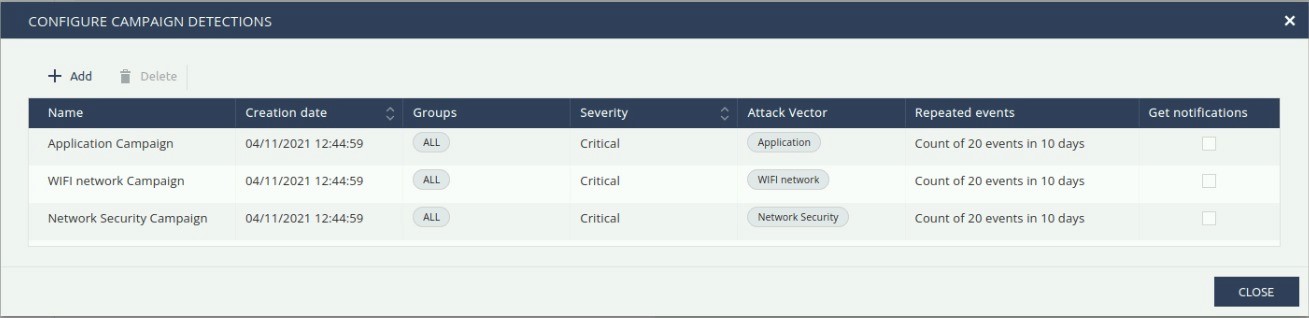
To create a new campaign detection:
-
Go to Forensics > Campaign Detection.
-
Click Configure > +Add.
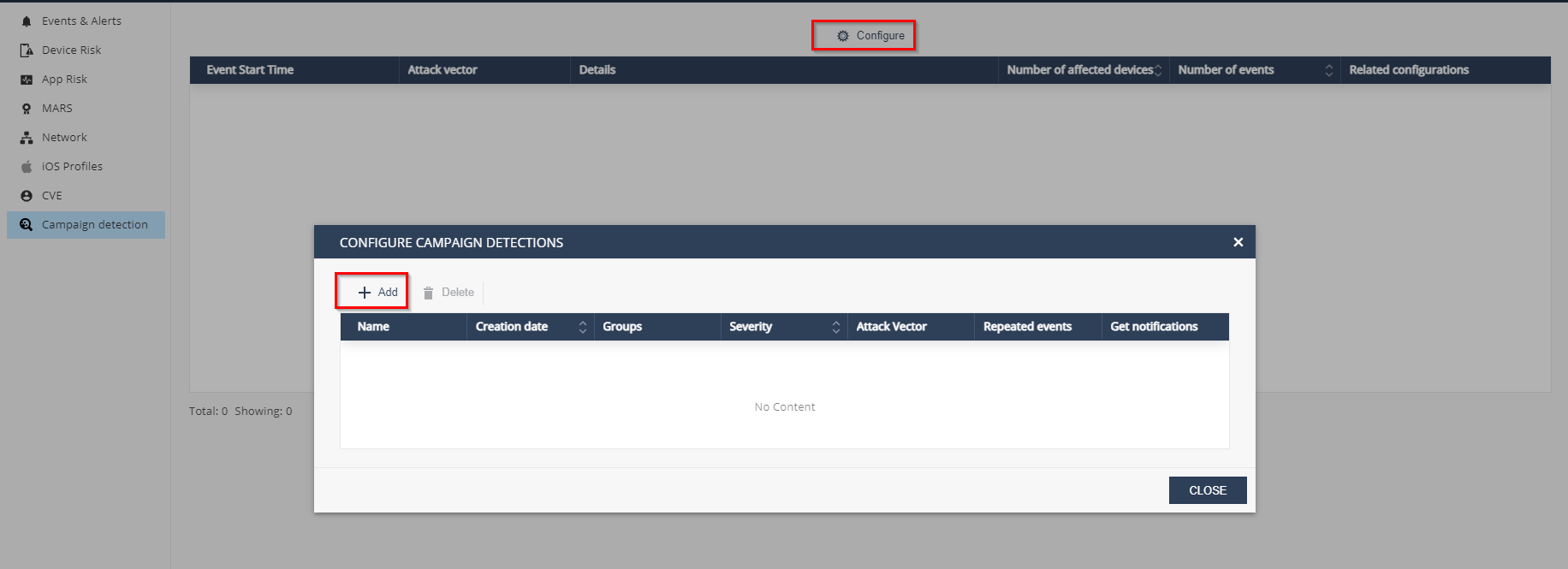
-
In the configuration window, enter:
-
Name - Campaign name
-
Devices group - Select the device groups to apply the campaign
-
Severity - Severity level of the event
-
Attack vector - Select attack vectors
-
Select the number of devices and days.
This count defines the scope of your campaign.
-
To receive email notification about the campaign, select the Get email notifications checkbox.
-
Click Add.

-