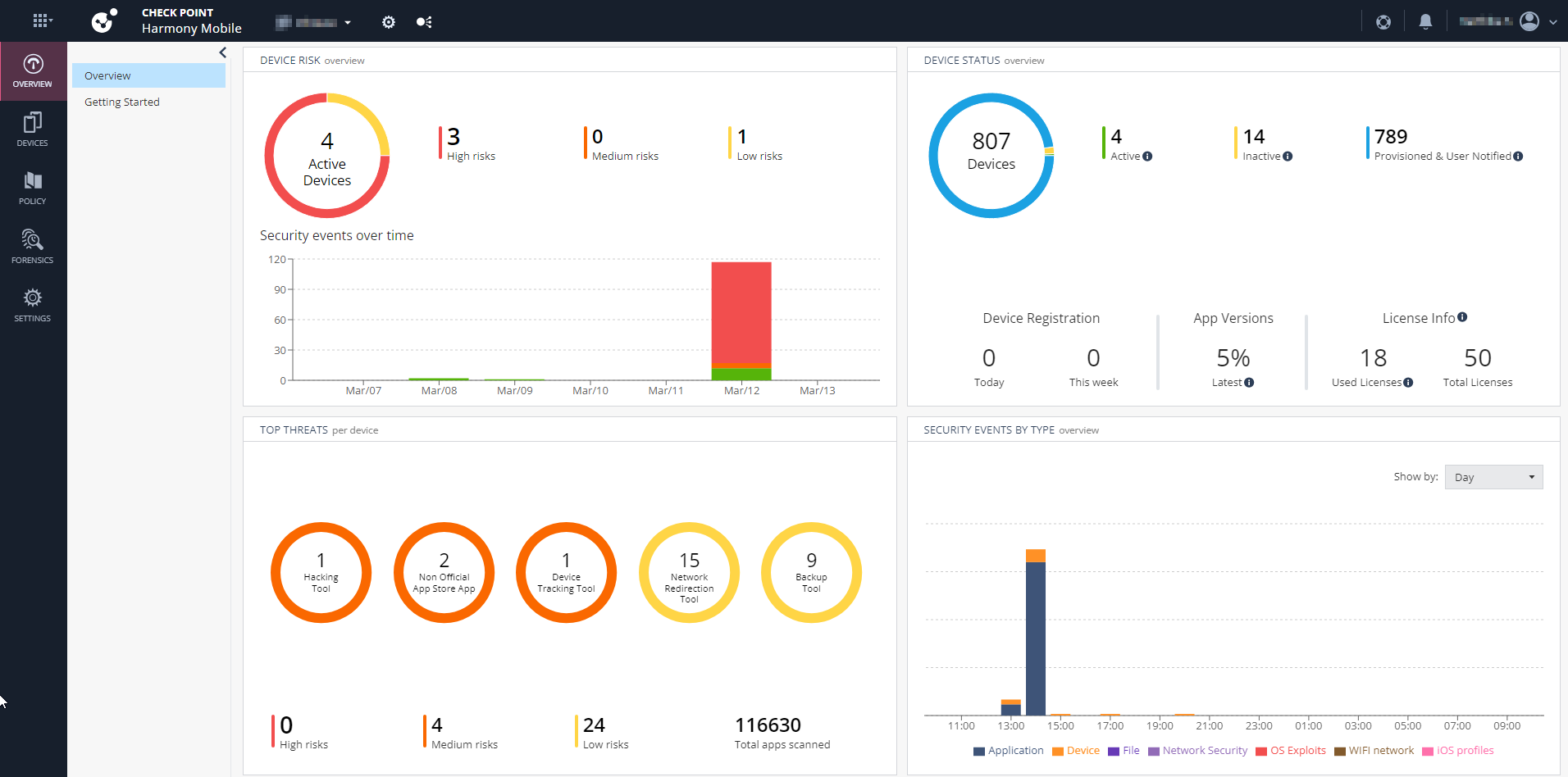
Accessing the Mobile Security Administrator Portal
To access the Mobile Security Administrator Portal (formerly Harmony Mobile):
- Sign in to Check Point Portal.
-
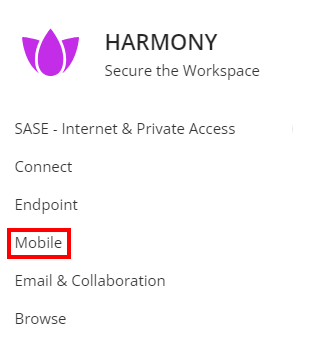
Click the Menu icon in the top left corner.

-
In the Workspace Security section, click Mobile.
-
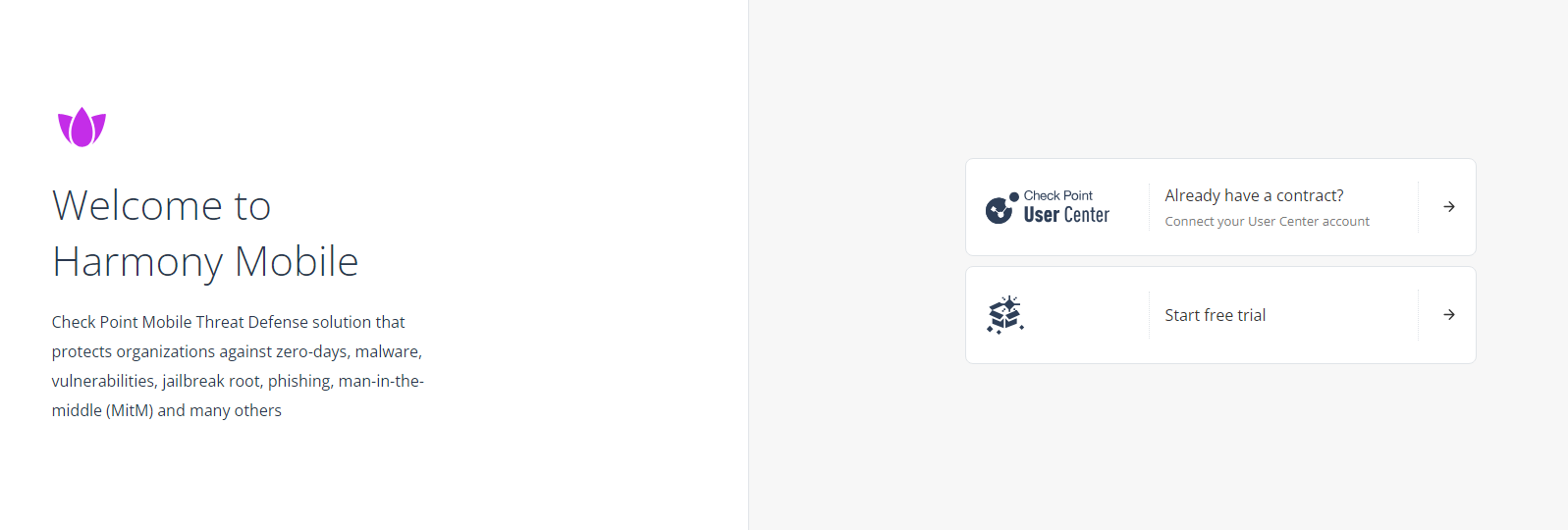
If you are accessing the portal for the first time, do one of these:
-
If you already have a Check Point contract, click Already have a contract to attach the contract to the product. For more information, see Associated Accounts in the Check Point Portal Administration Guide.
-
If you want to trial the product, click Start free trial.
The Mobile Security Getting Started page appears.
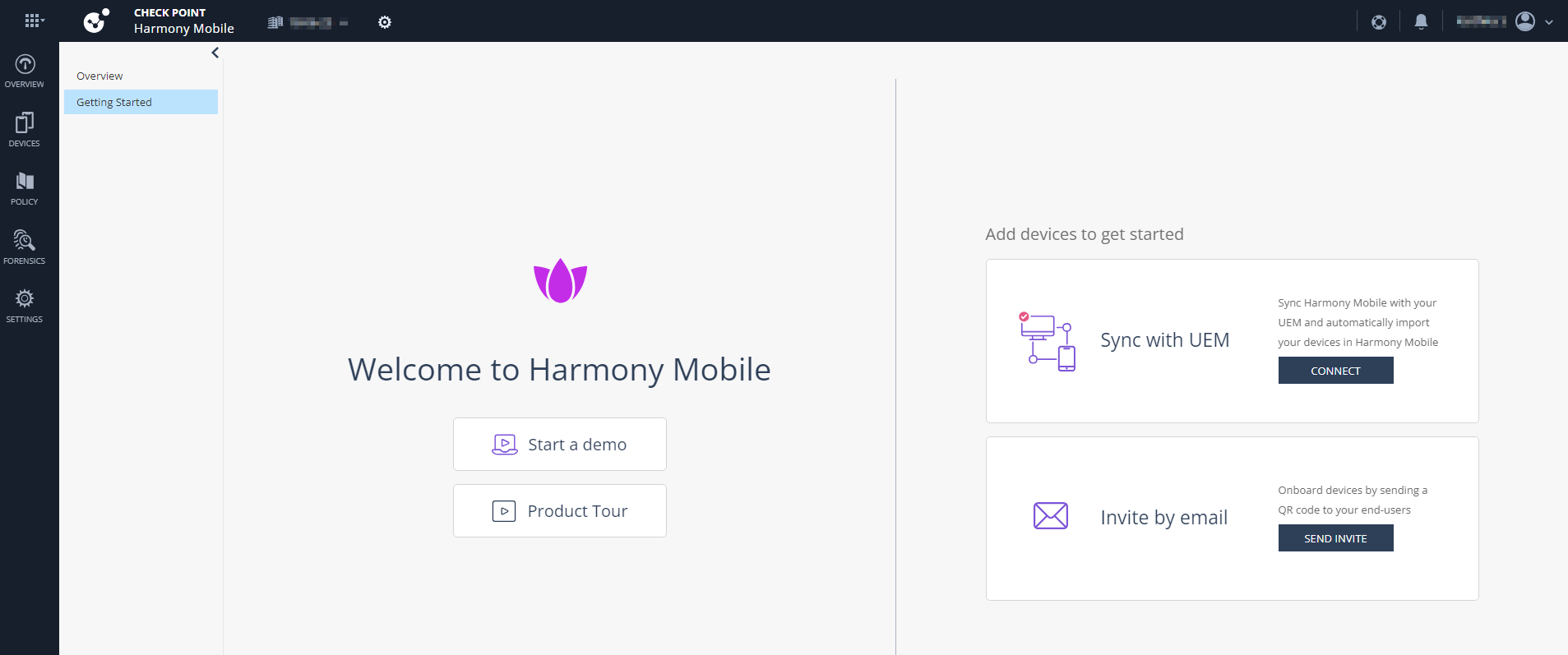

Note - This starts your Mobile Security trial. To use the service after 30 days, you must purchase a license. For more information, see Licensing the Product.
-
If you have already attached the contract with the product, the Overview page appears.