
File Policies
File Policy Settings
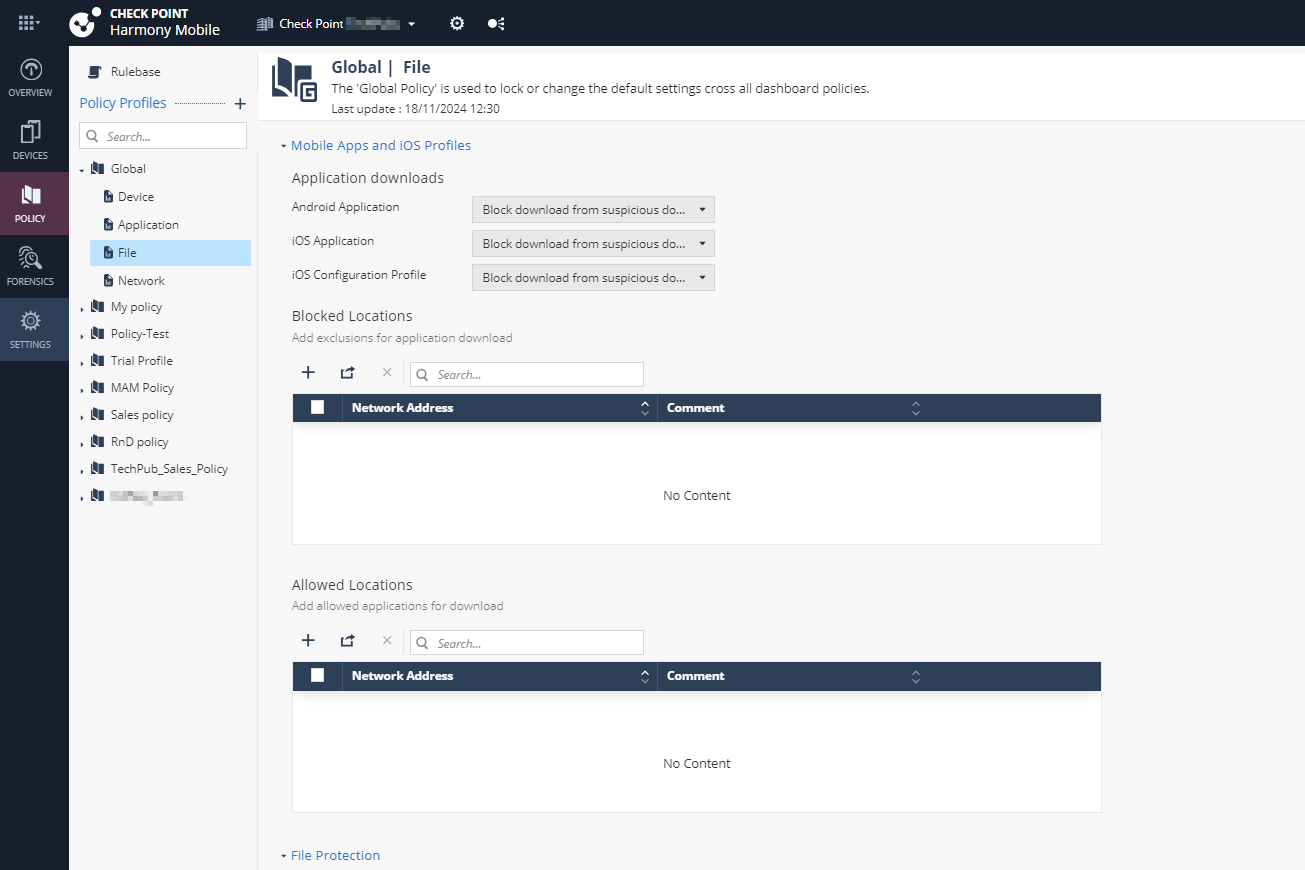
Mobile Apps and iOS Profiles
Application Downloads
Prevents unauthorized download of applications on Android and iOS devices.
Important:
To enable download protection, you must enable ONP. See Network Protection.
To enable download protection for applications:
- Go to Policy and select a policy profile.
- Click File >
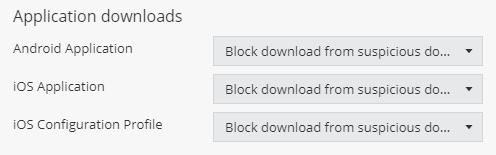
Mobile Apps and iOS Profiles.Under Application downloads, set these values:
Item Description Value Android Application Prevents download of unauthorized and malicious Android applications on Android devices based on domain reputation from ThreatCloud. - Allow all
- Block download from suspicious domains (Default)
- Allow only from trusted domains
iOS Application Prevents download of unauthorized and malicious iOS applications on iOS devices based on domain reputation from ThreatCloud. iOS Configuration Profile Prevents download of unauthorized and malicious profiles on iOS devices based on domain reputation from ThreatCloud. Note:To view the full list of profiles installed on the mobile devices in your organization, go to Forensics > iOS Profiles.
- To save the policy changes, click Save.