POC Summary
POC Summary focuses on wrapping the POC and the tools available to confirm that the customer expectations and success criteria has been fully met and that the POC is technically closed.
Reports
Endpoint Security provides comprehensive pre-defined reports that offer insightful visibility into the actions taken.
Utilize the following reports to demonstrate the value:
-
Threat Analysis Report
Use Endpoint Security’s Threat Analysis Report to generate a comprehensive report with the latest security events.
-
Web Activity Checkup
Describes the web activity within the organization.
-
Vulnerability Management
Use Endpoint Security's Vulnerability Management Report to reduce the attack surface, by generating a comprehensive report with the latest information regarding vulnerabilities detected by Endpoint Security.
-
Posture Management
Use Endpoint Security's Posture Management Report to reduce the attack surface, by generating a comprehensive report with the latest information regarding vulnerabilities detected by Endpoint Security. -
Operational Report
Use Endpoint Security's Operational Report for insights about the operational status of your deployed endpoints.
For more information, see Reports section Check Point Endpoint Security Administration Guide .
Dashboard Overview
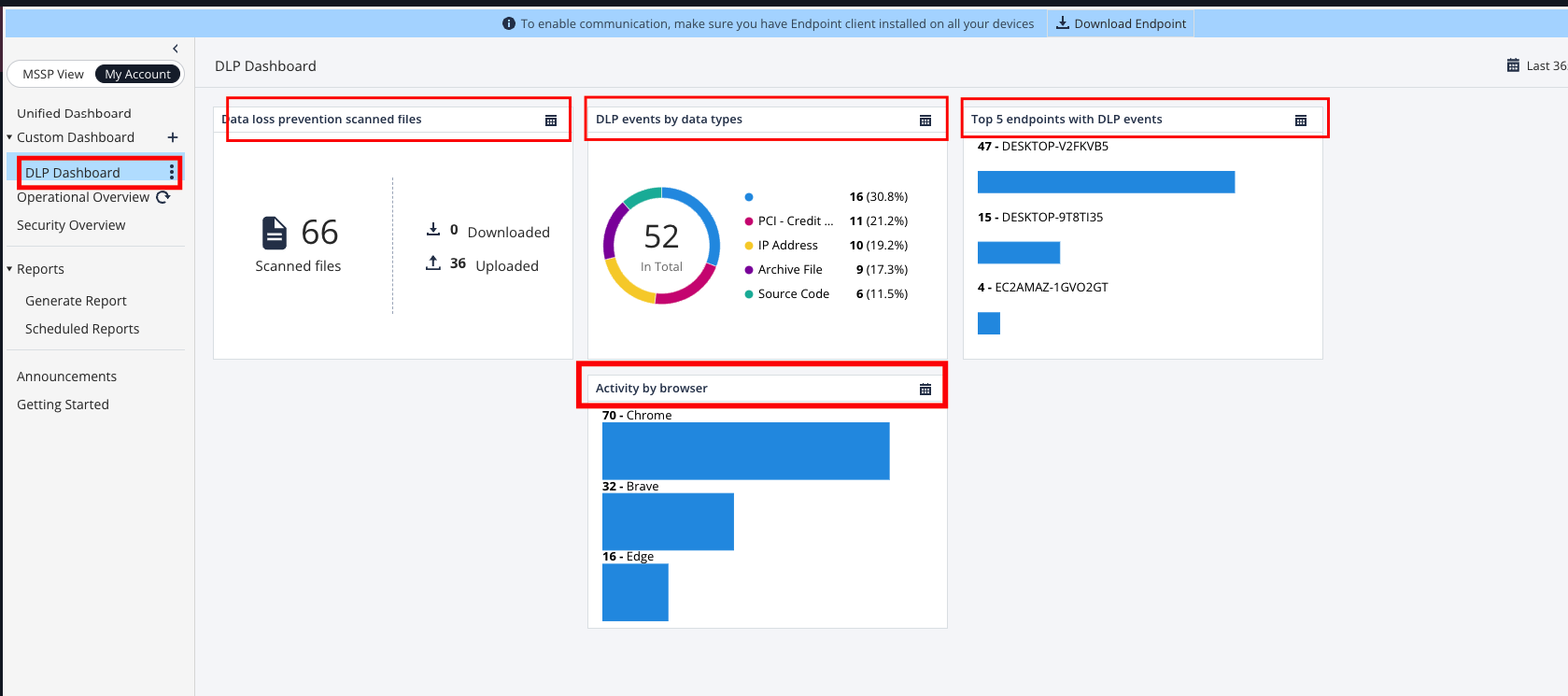
Endpoint Security provides comprehensive dashboards with the ability to create custom views that offer insightful visibility into the actions taken.
The Custom Dashboard allows you to create personalized dashboards with widgets of your preference. See Viewing Operational Overview, Security Overview and Reports.
Utilize the ability to create the exact information dashboard that is interesting to the customer. For example, on this custom created dashboard, we added all DLP related widgets.
Logs
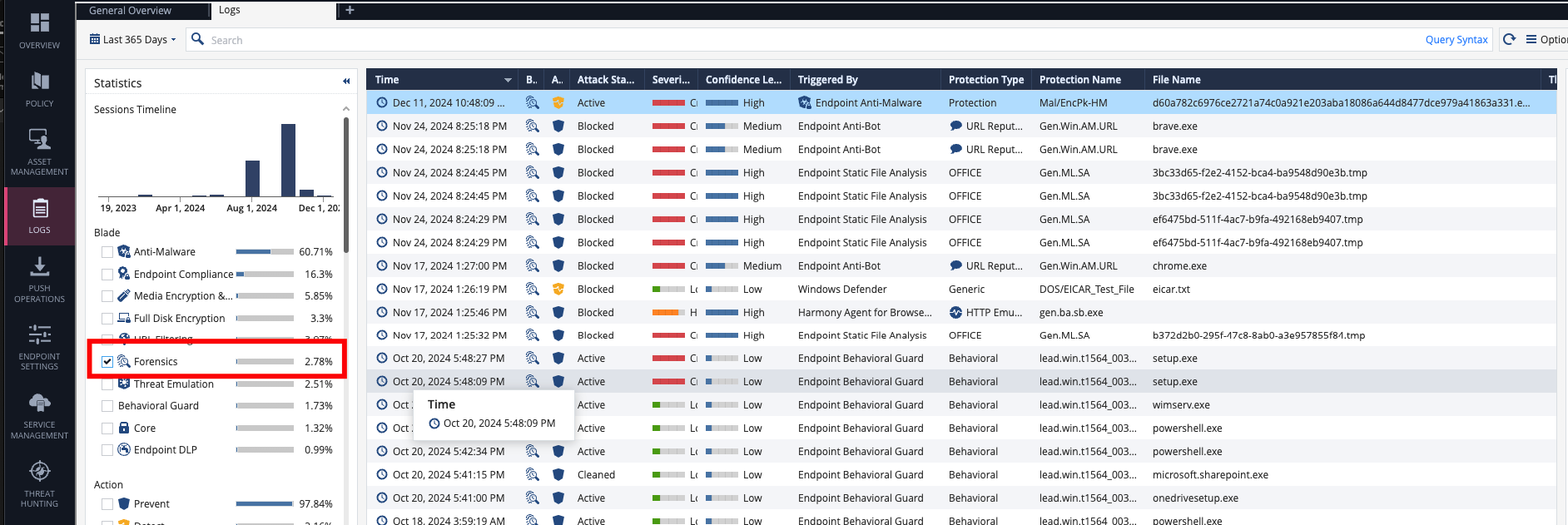
Access the Logs tab to review the system and blade activity.
Due to the continuous flow of all logs, they can generate noise. Therefore, it is essential to filter the logs for the precise information we require.
During the Tuning phase of the POC, logs should be filtered for Forensics blade. This is because each incident generates automated forensic logs. Therefore, it is advisable to review only the attacks, review each generated log and better understand if the attack detected is a false plosive and needs to be excluded or the attack is real.
Global Customers
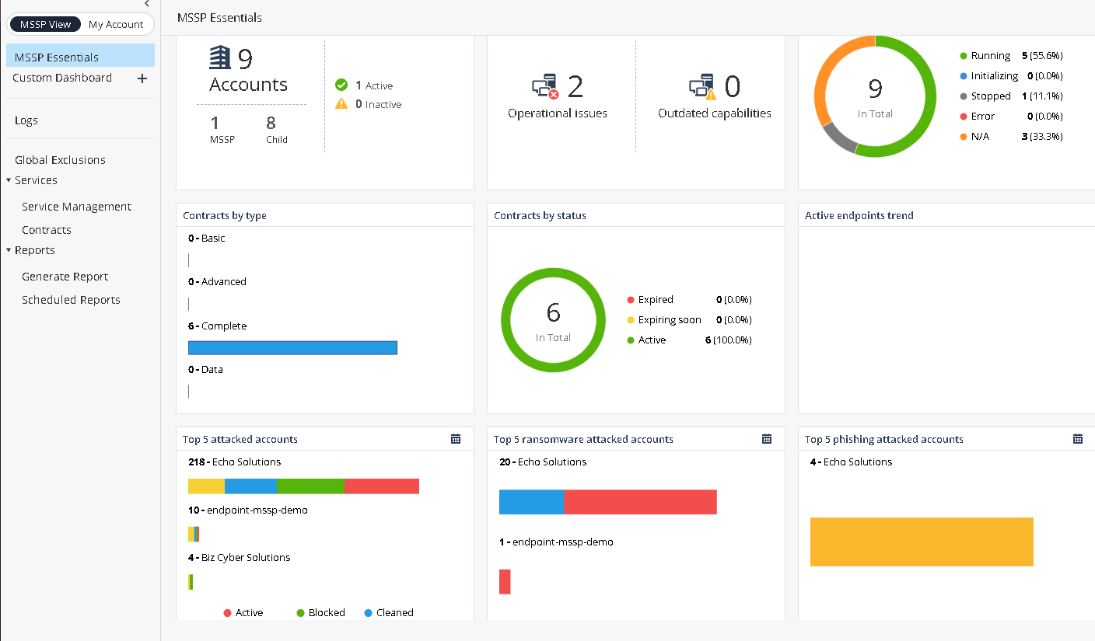
For monitoring and operational needs of large or global organizations, the best practice is to separate the different departments and/or areas into sub Check Point Portal tenants while using a parent account.
The MSSP view helps in orchestrating such functionality in a centralized manner. Contact Check Point SEs or Endpoint Security architects to enable MSSP views and policy profiles in your Endpoint Security management tenant.